> ## Documentation Index
> Fetch the complete documentation index at: https://docs.mediamonster.app/llms.txt
> Use this file to discover all available pages before exploring further.
# Recipes
> A recipe is a named line of existing skills. Open one on the Workbench — nothing runs until you press Run.
A recipe is a **named line of existing skills**, not a fused skill. Opening one lays the steps onto the [Workbench](/workbench). Cost is the sum of the steps. Per-minute steps are quoted at the one-minute floor.
Credits are charged **per step as it starts**, and refunded if that step fails.
## Catalogue
These six appear in this order on `/recipes` and on the landing page.
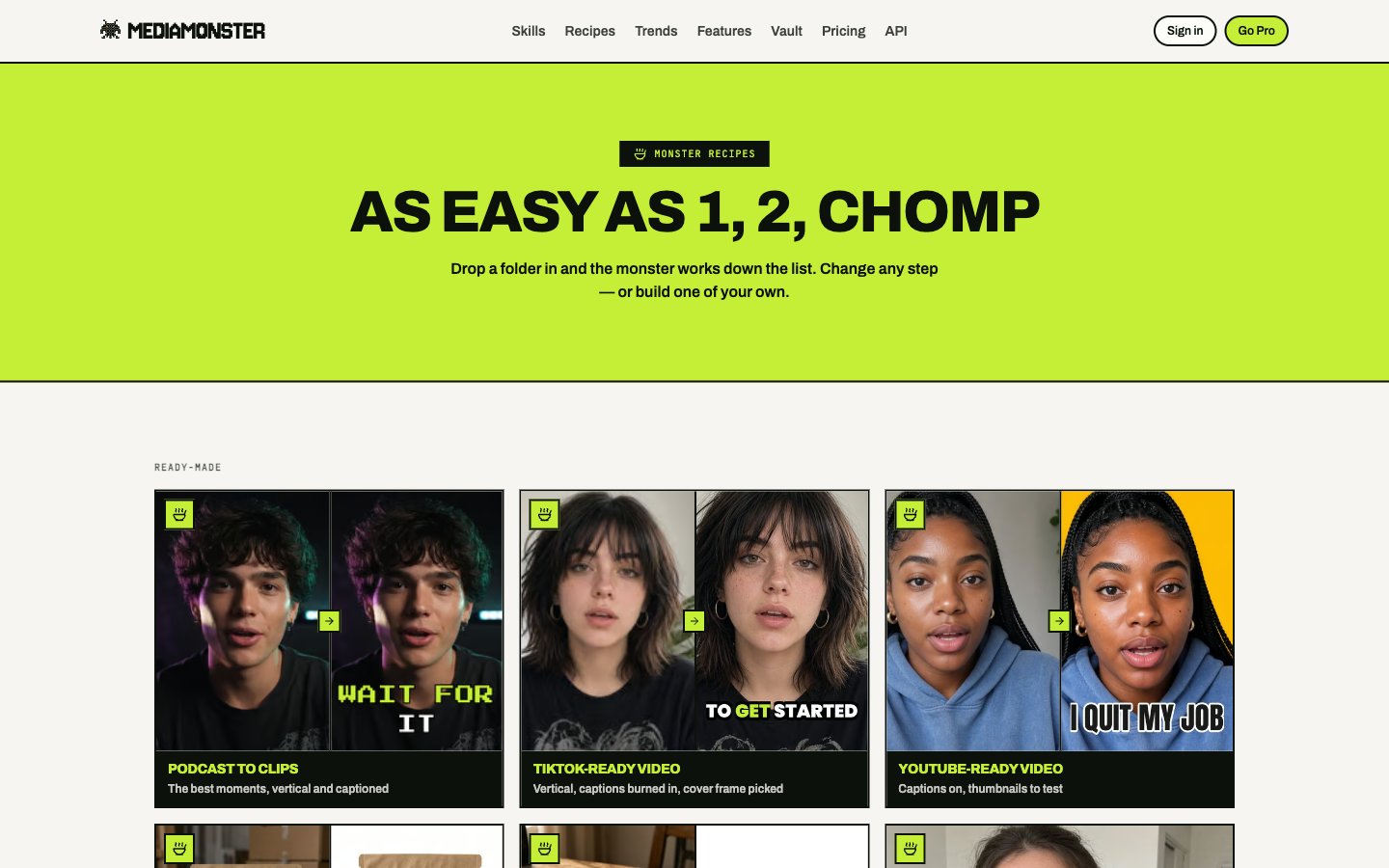
 | Recipe | Slug | Takes | Line |
| ---------------------- | ------------------------ | ----- | -------------------------------------------------------- |
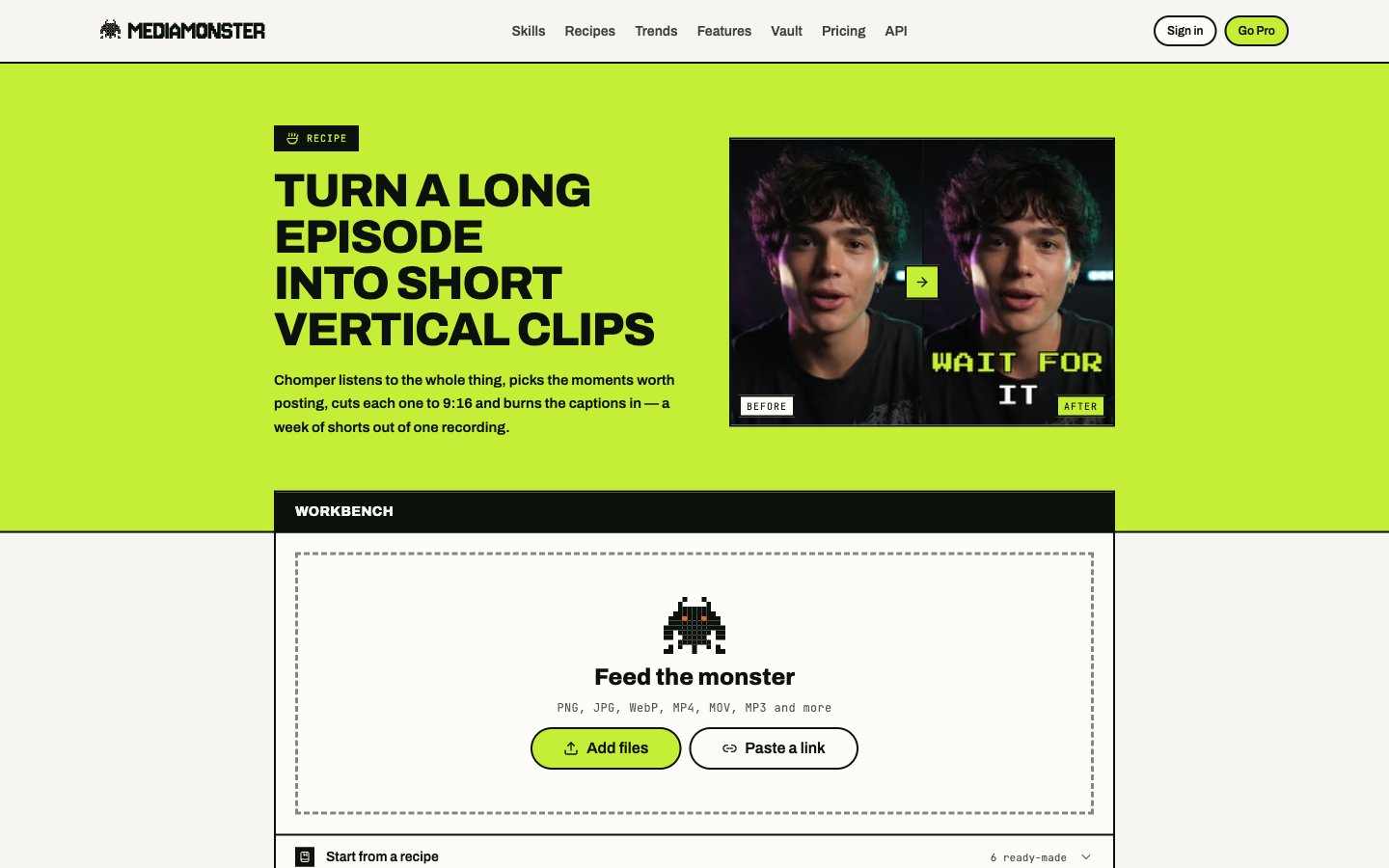
| Podcast to clips | `podcast-to-clips` | Video | Clips → burned captions (pop) |
| TikTok-ready video | `tiktok-ready` | Video | Smart reframe 9:16 → burned karaoke captions → thumbnail |
| YouTube-ready video | `youtube-ready` | Video | Captions (burned + file) → YouTube thumbnail ×3 |
| Shopify product images | `shopify-product-images` | Image | Background remover → white 1:1 compose → WebP |
| Amazon listing images | `amazon-listing-images` | Image | Background remover → white 1:1 compose → JPEG |
| Tidy up an interview | `interview-tidy-up` | Video | Silence remover → clean audio → captions |
| Recipe | Slug | Takes | Line |
| ---------------------- | ------------------------ | ----- | -------------------------------------------------------- |
| Podcast to clips | `podcast-to-clips` | Video | Clips → burned captions (pop) |
| TikTok-ready video | `tiktok-ready` | Video | Smart reframe 9:16 → burned karaoke captions → thumbnail |
| YouTube-ready video | `youtube-ready` | Video | Captions (burned + file) → YouTube thumbnail ×3 |
| Shopify product images | `shopify-product-images` | Image | Background remover → white 1:1 compose → WebP |
| Amazon listing images | `amazon-listing-images` | Image | Background remover → white 1:1 compose → JPEG |
| Tidy up an interview | `interview-tidy-up` | Video | Silence remover → clean audio → captions |

 TikTok-ready is billed as three skills. Drop any step you do not want. It also covers Reels and Shorts.
### Caveats the recipes inherit
* **Podcast to clips** and **Clips** pick moments from what is *said*, not from what is shown.
* **YouTube-ready** keeps captions first because the thumbnail makes a set. Burned captions can appear in the thumbnail unless you switch captions to the subtitle file only.
* **Amazon listing images** does not guarantee Amazon acceptance. The compose uses scale 85 at 2000px, JPEG quality 92.
* **Interview tidy-up** — take noise-removal out if there is music under the talking.
## Your recipes
**Save as a recipe** on the Workbench stores the line on your account.
| Plan | Saved recipes |
| -------- | ------------- |
| Cyclops | 3 |
| Minotaur | 25 |
| Kraken | Unlimited |
| Behemoth | Unlimited |
Rename, duplicate, delete, or open them at `/my-recipes`. A backdrop from your own files cannot be saved into a recipe.
TikTok-ready is billed as three skills. Drop any step you do not want. It also covers Reels and Shorts.
### Caveats the recipes inherit
* **Podcast to clips** and **Clips** pick moments from what is *said*, not from what is shown.
* **YouTube-ready** keeps captions first because the thumbnail makes a set. Burned captions can appear in the thumbnail unless you switch captions to the subtitle file only.
* **Amazon listing images** does not guarantee Amazon acceptance. The compose uses scale 85 at 2000px, JPEG quality 92.
* **Interview tidy-up** — take noise-removal out if there is music under the talking.
## Your recipes
**Save as a recipe** on the Workbench stores the line on your account.
| Plan | Saved recipes |
| -------- | ------------- |
| Cyclops | 3 |
| Minotaur | 25 |
| Kraken | Unlimited |
| Behemoth | Unlimited |
Rename, duplicate, delete, or open them at `/my-recipes`. A backdrop from your own files cannot be saved into a recipe.
 The public catalogue stays at `/recipes`. Yours never appear there.
## From the API
`POST /api/v1/runs` accepts a saved recipe or an inline `steps` array. See [Run a line](/api/runs).
The public catalogue stays at `/recipes`. Yours never appear there.
## From the API
`POST /api/v1/runs` accepts a saved recipe or an inline `steps` array. See [Run a line](/api/runs).