> ## Documentation Index
> Fetch the complete documentation index at: https://docs.mediamonster.app/llms.txt
> Use this file to discover all available pages before exploring further.
# Trends
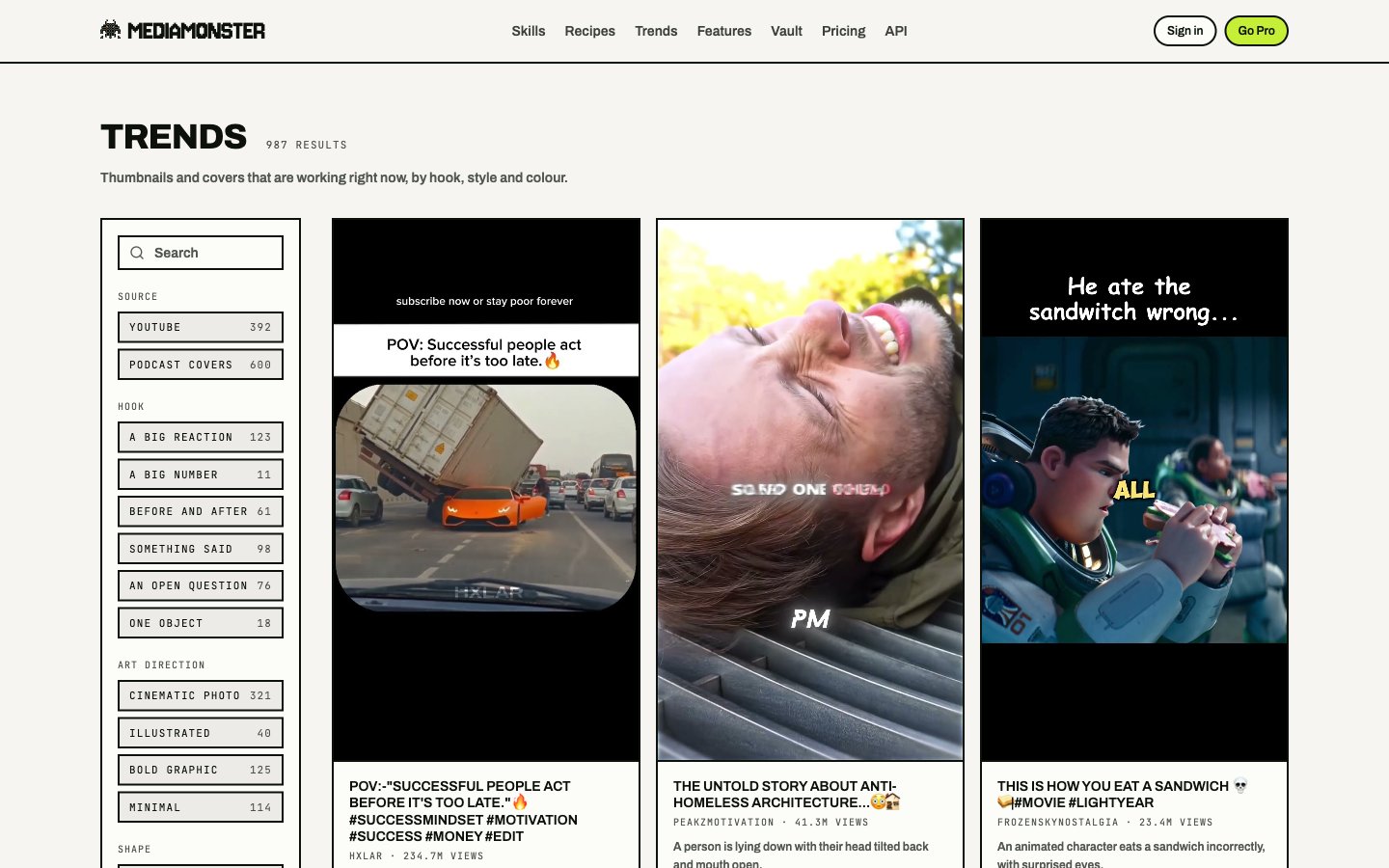
> A library of thumbnails and covers that are working right now. Filter them, then open one as a reference on the Workbench.
Trends at [mediamonster.app/trends](https://mediamonster.app/trends) is a searchable library of creative that is working — YouTube thumbnails and podcast covers, filed by hook, style, colour, and source.
Nothing in Trends is stored on your account. Each card points at the source's own CDN and links back to the original.
 ## Open a reference on the Workbench
Pick a card, then send it to the [Workbench](/workbench) as a reference for a skill — typically **YouTube thumbnail** or **Clips**.
The bench URL carries `?trend=` (the row) and `&use=` (which skill). The row is read on arrival, so a shared link lays out what that piece of creative is now.
## Filters
Filters live in the URL. A filtered view is a link you can send.
| Filter | What it does |
| ------------- | -------------------------------------------------------------------------------- |
| Search | Match titles and text on the card |
| Source | YouTube, podcast covers |
| Hook | The shape of the headline — a reaction, a number, before-and-after, and the rest |
| Art direction | Cinematic photo, illustrated, bold graphic, minimal |
| Shape | Aspect |
| Sort | Engaging, or newest |
Shape pages at `/trends/` explain what a hook *is*. The `/trends` grid is the tool.
## Open a reference on the Workbench
Pick a card, then send it to the [Workbench](/workbench) as a reference for a skill — typically **YouTube thumbnail** or **Clips**.
The bench URL carries `?trend=` (the row) and `&use=` (which skill). The row is read on arrival, so a shared link lays out what that piece of creative is now.
## Filters
Filters live in the URL. A filtered view is a link you can send.
| Filter | What it does |
| ------------- | -------------------------------------------------------------------------------- |
| Search | Match titles and text on the card |
| Source | YouTube, podcast covers |
| Hook | The shape of the headline — a reaction, a number, before-and-after, and the rest |
| Art direction | Cinematic photo, illustrated, bold graphic, minimal |
| Shape | Aspect |
| Sort | Engaging, or newest |
Shape pages at `/trends/` explain what a hook *is*. The `/trends` grid is the tool.