

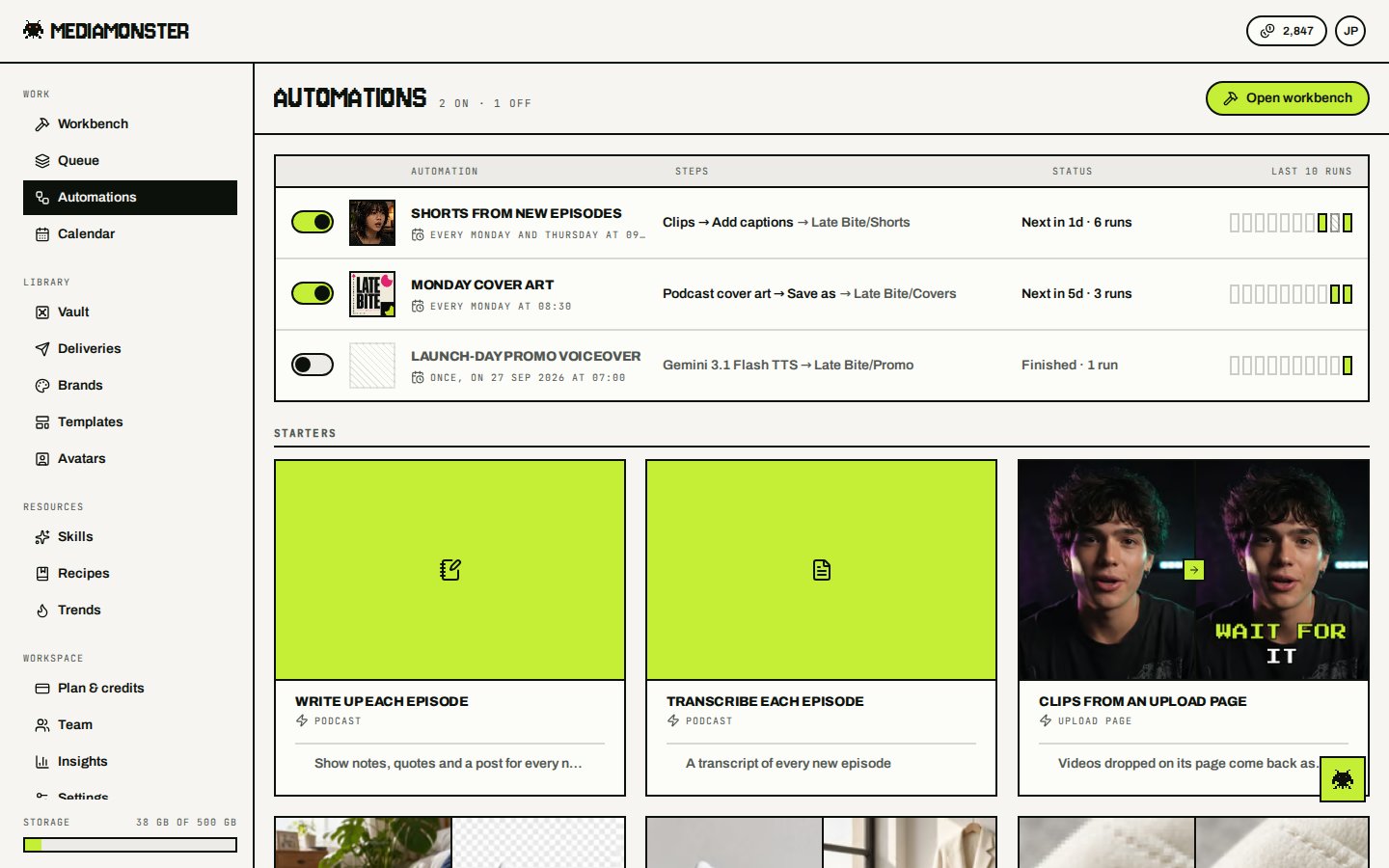
Schedules made here show up on the Automations page in the app, with the ones started by a trigger.
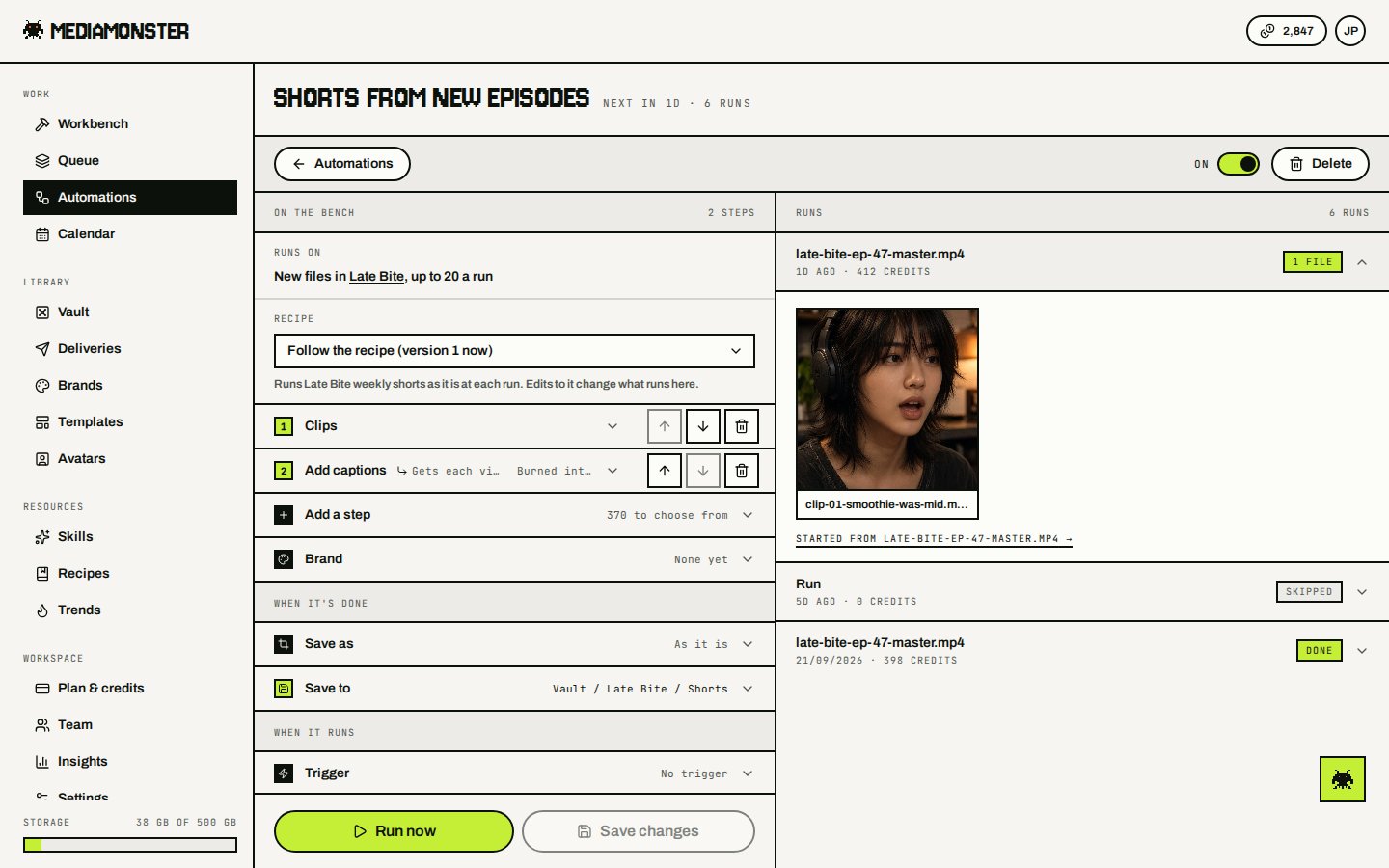
Open one and it is the workbench: the same fields as the API, from its steps and where results are saved to when it runs, with its runs beside them.
List schedules
{"schedules": [...]}, oldest first. Each one has:
Create a schedule
Returns
201 with the schedule. It lists the steps’ inputs and the input_values they run with.
A request to a webhook or upload page link (POST /api/v1/triggers/{token}) can send inputs of its own, as JSON or as form fields named inputs[title]. They win over the stored values for that request. Links take 120 posts from one network in 10 minutes.
The steps are checked by the same rules as a run, before anything is saved. They are refused with 400 bad_recipe when a step can’t follow the one above it, when a step that needs a prompt has none, when they include route or send, or when they can’t start from source: none needs a first step that makes its own file, and asset and folder need one that takes a file.
A folder schedule starts counting from when it is created, not from the folder’s older files.
Get one schedule
runs, newest first:
Change a schedule, or run it now
{"enabled": true} switches a paused or finished schedule back on, from its next time after now. {"run_now": true} runs it once now: its next time stays where it was, and the run doesn’t count towards ends_after. The response then carries fired: {"started", "skipped"}.
Delete a schedule
Errors
See Errors for the shape of an error body.