

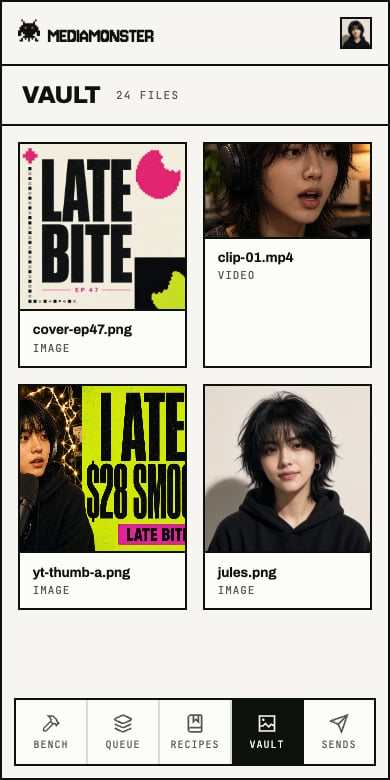
Phone dock: Bench, Queue, Recipes, Vault, Sends. Plan, keys, and Settings live in the account menu.
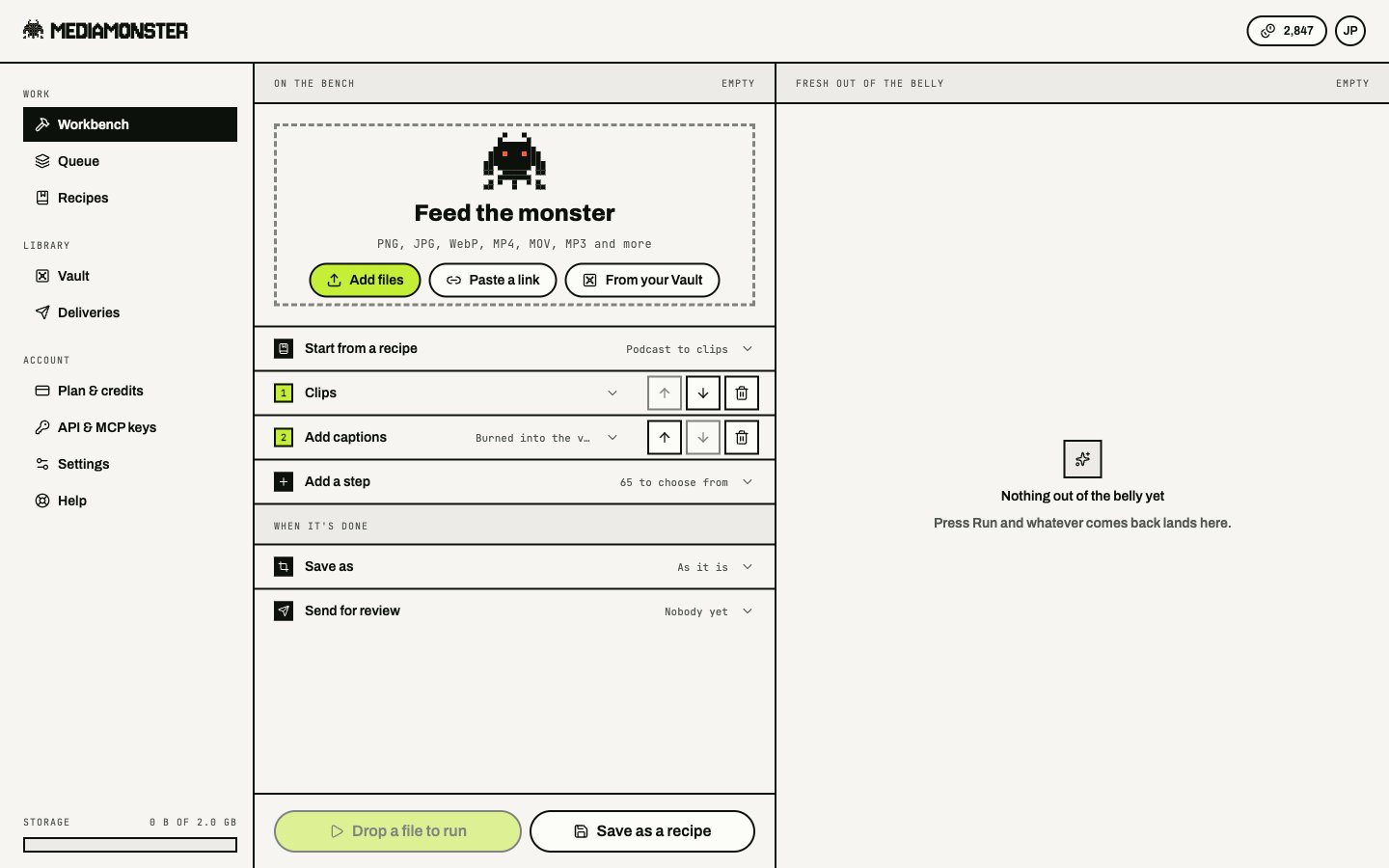
A line on the Workbench. Numbered steps, options on the open one, Run at the foot.
Start a line
Drop files, paste a URL, or open:- a Vault asset with
?asset= - a recipe with
?recipe= - a Queue job with
?job= - a trend with
?trend=
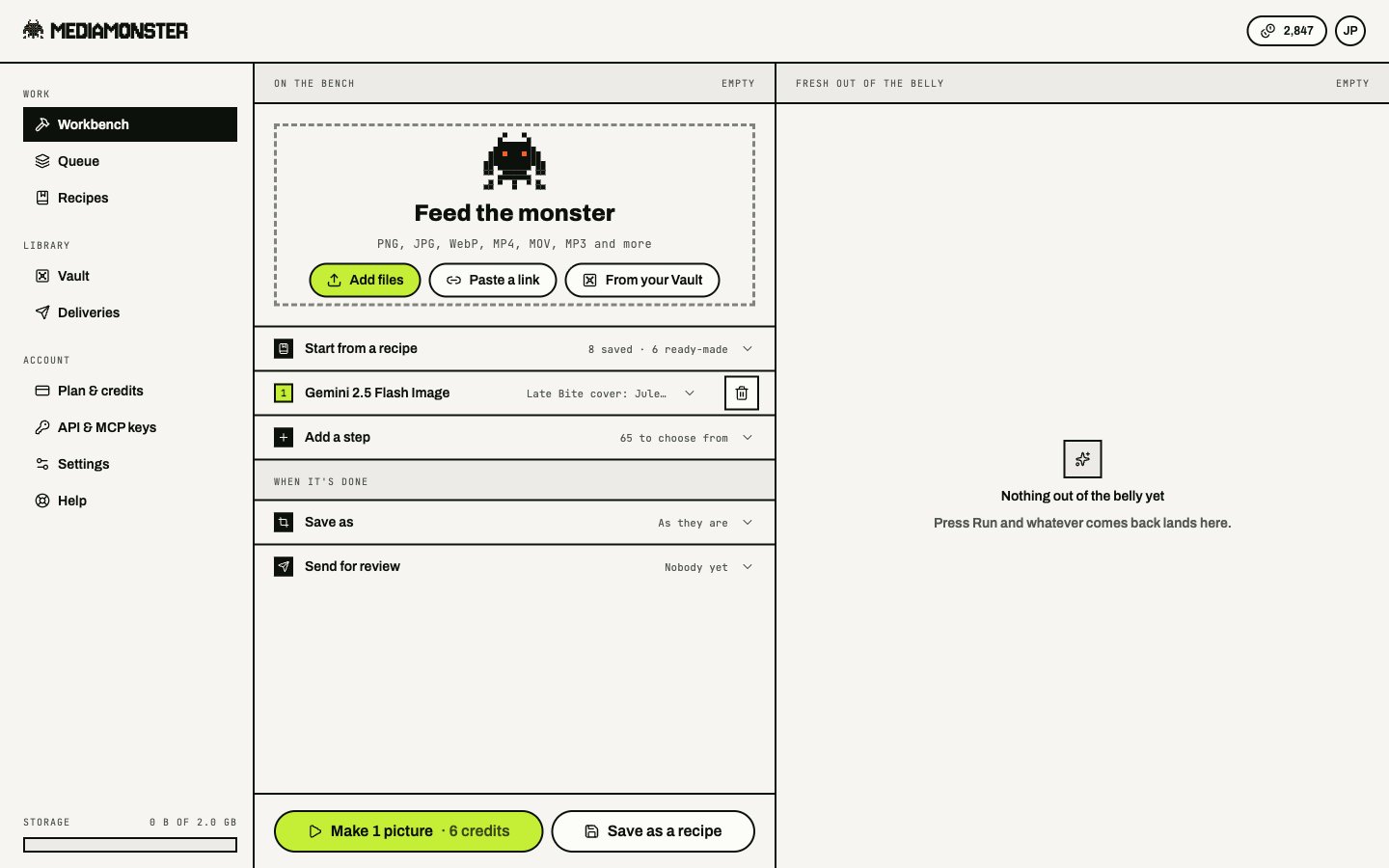
A generator must open the line. Voice and music take no file. Image generation can start from a prompt alone.
How a line works
A line carries one file. Every step is handed what the step above made. Whether a skill can sit under another is computed from the catalogue — not from the drawer they share. A step that hands back pictures cannot feed a skill that needs speech. Some skills keep the kind of file they were given (captions, clean-audio, remove-silences). Read that as “the line still carries a video if you handed it a video.”
Sets
These skills hand back several files:- Clips
- Video splitter
- YouTube thumbnail
- Video Multiplier
- Graphic Multiplier
Batching
Plan batch sizes are a browser ceiling. Each file is its own run. Credits bound the bill, not the batch control.What runs where
A line that includes a skill, or that generates its own file, runs on the server. It finishes if you close the tab. A browser-only line — compose, resize, adjust, Save as on images — stays in the tab. Poll ceilings: about 6 minutes for an ordinary run, 20 minutes for a set, a slow skill, or a per-minute skill.Credits on the bench
Credits come off before the provider is called and are refunded if that step fails. The plan’s AI steps per run counts only steps that spend credits. Free tools do not count. The absolute ceiling is 60 steps. An empty prompt is refused before a credit moves, if the skill needs one. Prompts are capped at 2,000 characters. See Credits and plans and Limits.Save the line
Save as a recipe keeps the steps (not a backdrop from your own files). Plan caps: Cyclops 3, Minotaur 25, Kraken and Behemoth unlimited. Manage saved recipes at/my-recipes.