

Free tools cost 0 credits. Cyclops can run 25 of them a day. Paid plans have no daily cap.

Skills that cost nothing

video-to-gif set to looping MP4 hands back a video, so a later step sees video, not a picture.
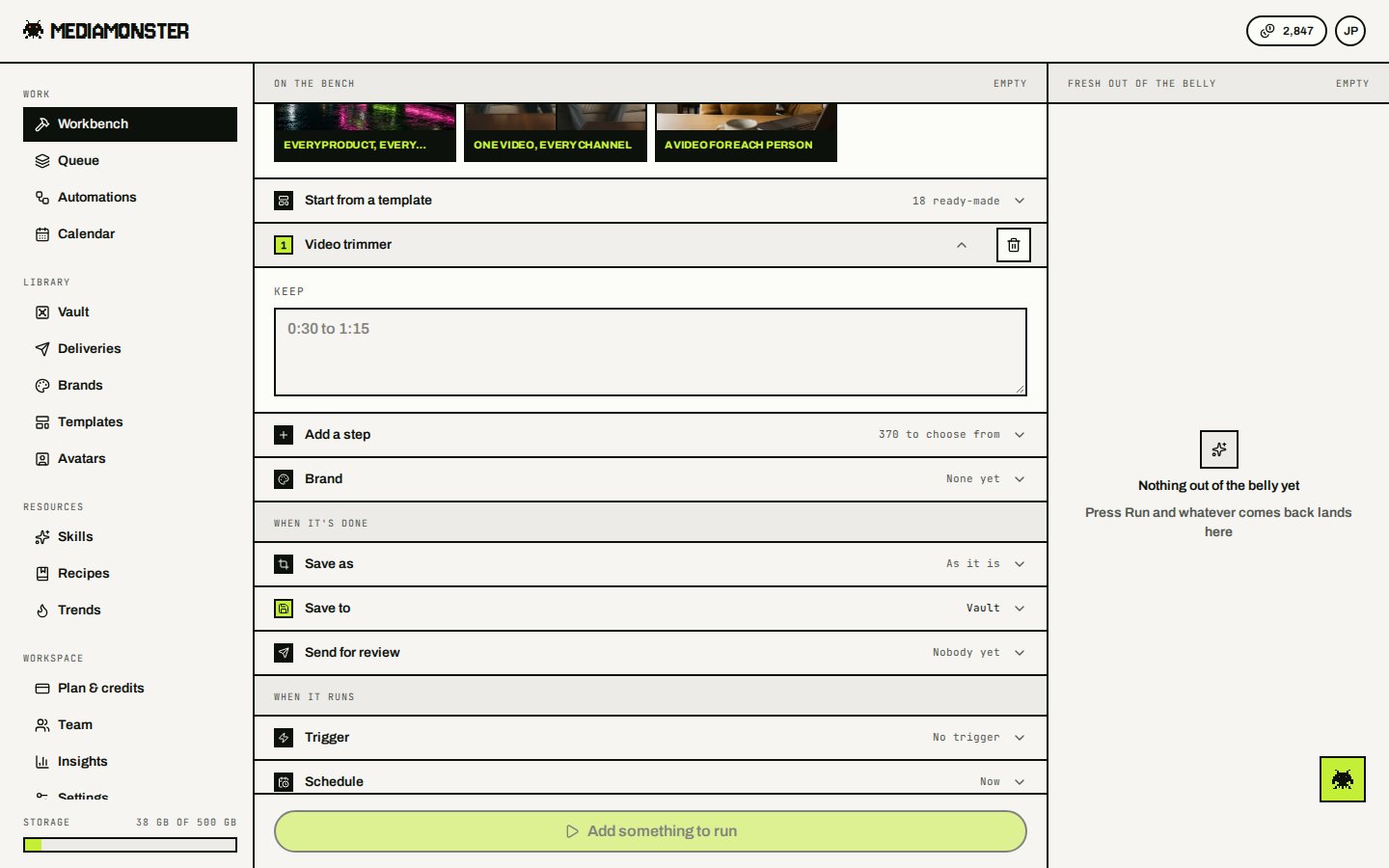
Signed-in Workbench with Trim video as step 1

A free tool page is the same Workbench, with the skill already on it as step 1.

Video splitter, Split a PDF, Cut it into tiles and Pull the pictures out make a set. You can’t put another set-making skill on the same Workbench. Join into one, Merge PDFs, Pictures to PDF, Lay them out as one and Make a slideshow stitch a set back together. Placed as the first step on the Workbench, they take the files you drop in as the set, in drop order — two or more, up to 200 for a join, 16 for Lay them out as one and 30 for Make a slideshow. Placed lower down with no set above them, they still take the files you drop in: the steps above run once on each file, up to 20 files, and the join puts the results together in drop order.

Browser convert

On the Workbench these are page steps, not skills. They don’t appear in GET /api/v1/skills.
  • Save as — PNG, JPEG, or WebP for images
  • Resize
  • Adjust
  • Put it on a background
  • File it in the Vault
Guests can convert, resize, and crop images in the browser with no account (3 files at a time), and run the free tools on our side: the PDF, image and metadata tools up to 8 runs a day, the video and audio tools up to 3 runs a day on sources up to 1 minute long. Video and audio convert or resize still need a signed-in account. The API convert endpoint is free of credits but still needs a key. Cyclops can mint one.

Cyclops fences

On Cyclops, free tools also obey:
  • 25 runs a day
  • sources up to 3 minutes
  • 5 files per free-tool run
  • 1 file at a time for anything that spends credits