

/skills/<slug> matches POST /api/v1/run/{skill}. Model pages (one per generator model) and preset pages (a skill with one option set, like karaoke-maker or pdf-to-jpg) run the underlying skill, not a new one — the API slug is the parent’s.
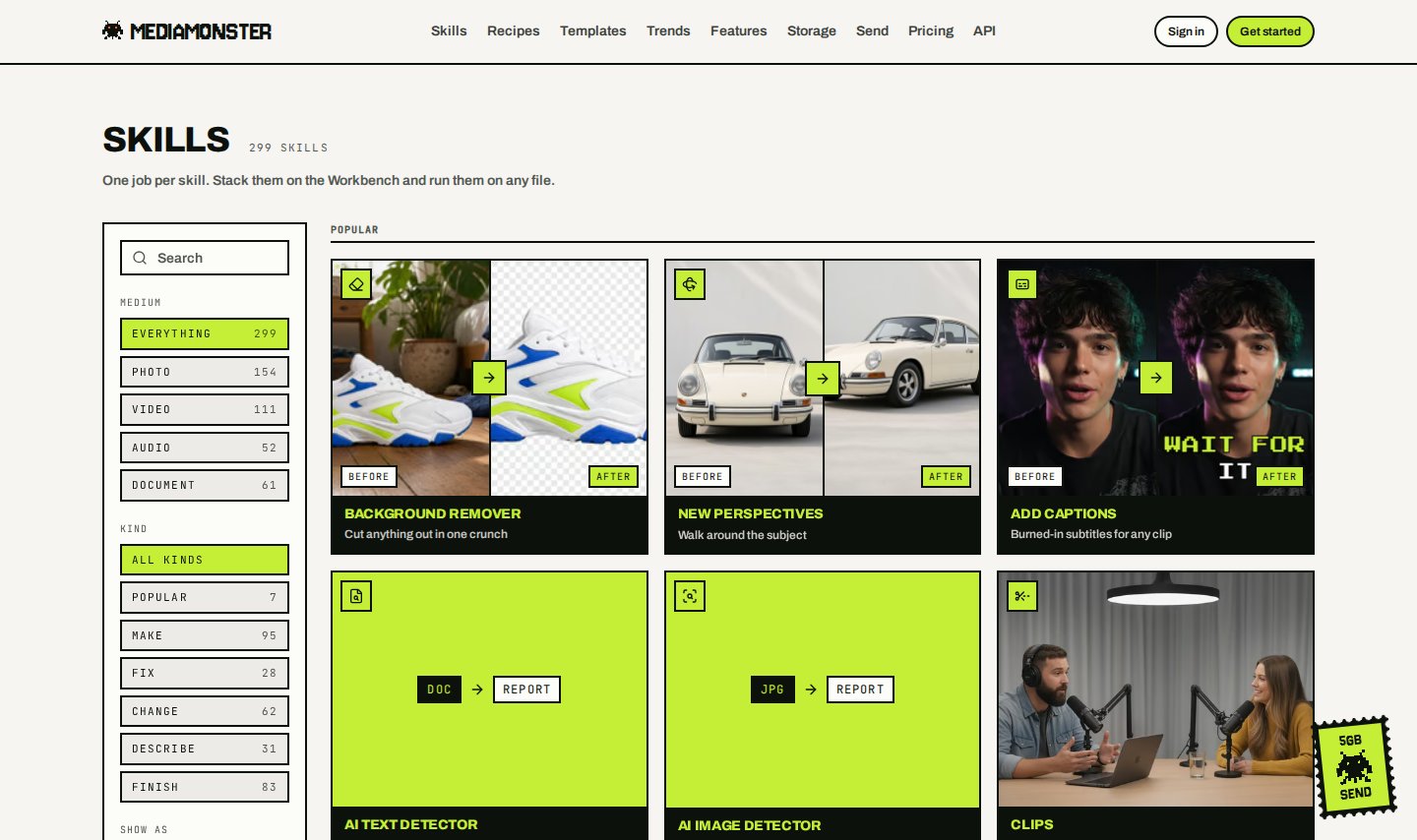
The public skills catalogue. Filter by photo, video, audio, or document. Popular sits at the top.
Finding a skill
- Search filters the catalogue as you type. Matches run against the name, tagline, medium, in and out formats, the “X to Y” phrasing, and aliases like
remove bgorocr. Press⌘K(orCtrl+K) to focus it. Popular queries sit under the box as chips. - A skill with a named setting people search for by name is listed once per setting. Background remover has its own tile plus White background and Transparent PNG maker. Monster restyle has a tile per look (Photo to anime, Photo to watercolour, …). Each preset is a page at
/skills/<preset>and a card in the step picker that adds the skill with its option already set. Format conversions (HEIC to JPG, MP4 to MP3, …) preset the free Save as section and have no picker card. - The language pages are found by name, not by browsing. Dub into Spanish, Spanish subtitles and Doc to Spanish each have a page, for every dubbing language, but none is a tile: the catalogue would otherwise carry ninety-six tiles that differ by one word. Typing a language into the search box, here or on the Workbench, finds them. The language is also a setting on the skill’s own page and card.
- Search results are ranked. The rule for whether a skill matches is unchanged; a second rule decides the order. A skill you have named by its name, alias, or in → out phrase beats one where the phrase sits inside its tagline, which beats one where the words turn up scattered. Ties keep the catalogue’s own order. The drawers drop once you start typing and the results read as one ranked shelf.
- When your query has no answer under the current medium tab, the page says how many skills match under the other tabs and offers a Search everything button that carries the query across. It only says “Nothing bites” when no tab has an answer.
- Medium tabs — Everything, Photo, Video, Audio, Document — are URLs. Each tab canonicalises to its own page, so
?medium=videois linkable and indexed. - Tiles or list — the toolbar toggle switches layout. Tiles are the default and aren’t written to the URL.
?layout=listopens as a list. Tiles without a photograph show the in → out format pair (for examplePDF → DOCX). A preset whose parent’s example would show the wrong result — Photo to watercolour under Monster restyle’s monster-vision still — shows a badge tile until it has a still of its own. - On the Workbench the Add a step panel has the same search box, medium chips and tiles/list toggle. It ranks results by the same score, inside the bench-fit order (steps the file on the bench can feed come first). Its list shows each step’s price; the layout you pick is remembered in your browser.
GET /api/v1/skills is the live list, and it doesn’t need a key.
Kinds
No skill is gated on plan name today. Credits do the gating. Cyclops can run any skill it can afford.
See Free tools, Generators, and Documents.
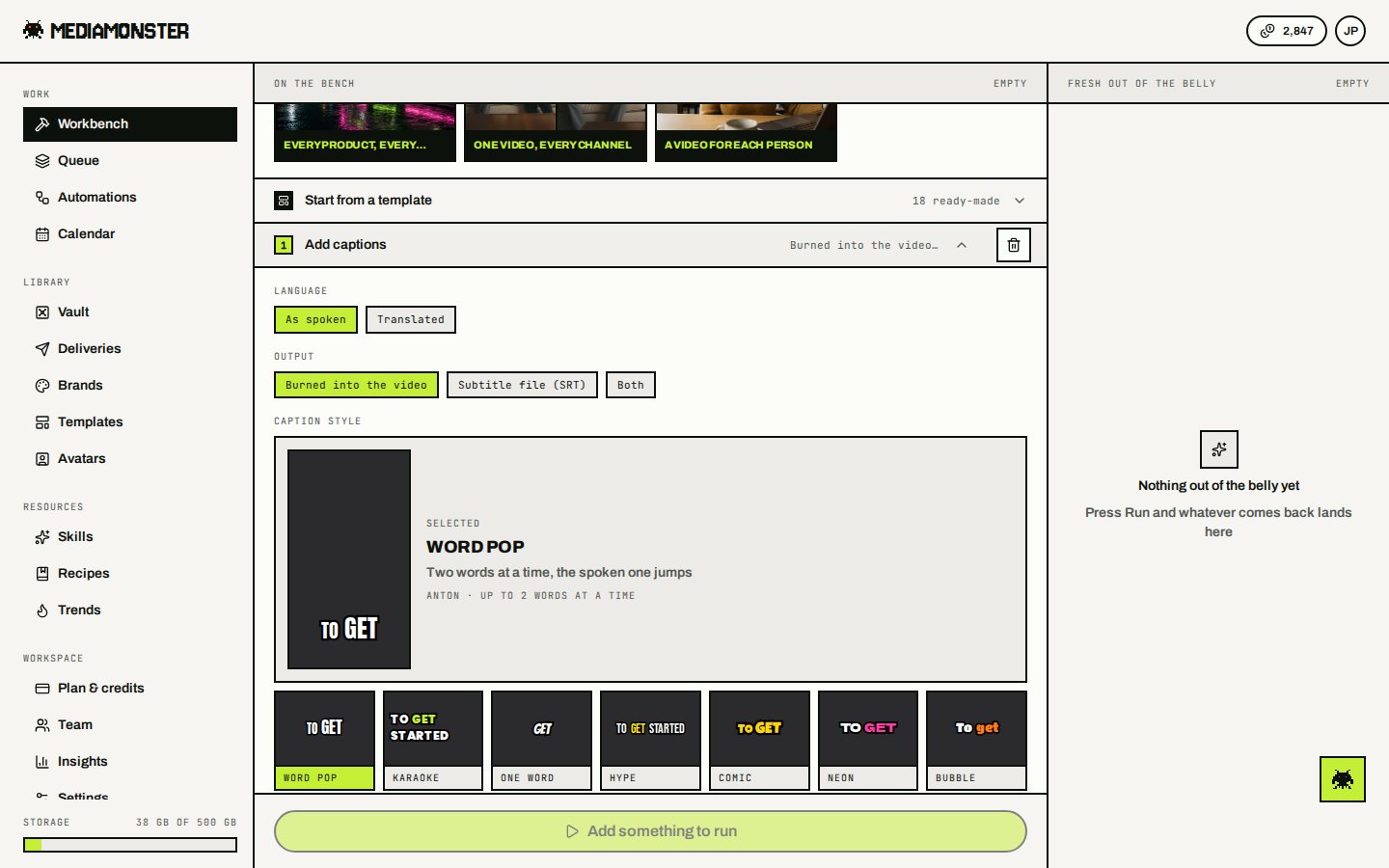
Add captions. Each skill page is the Workbench with that step already added.
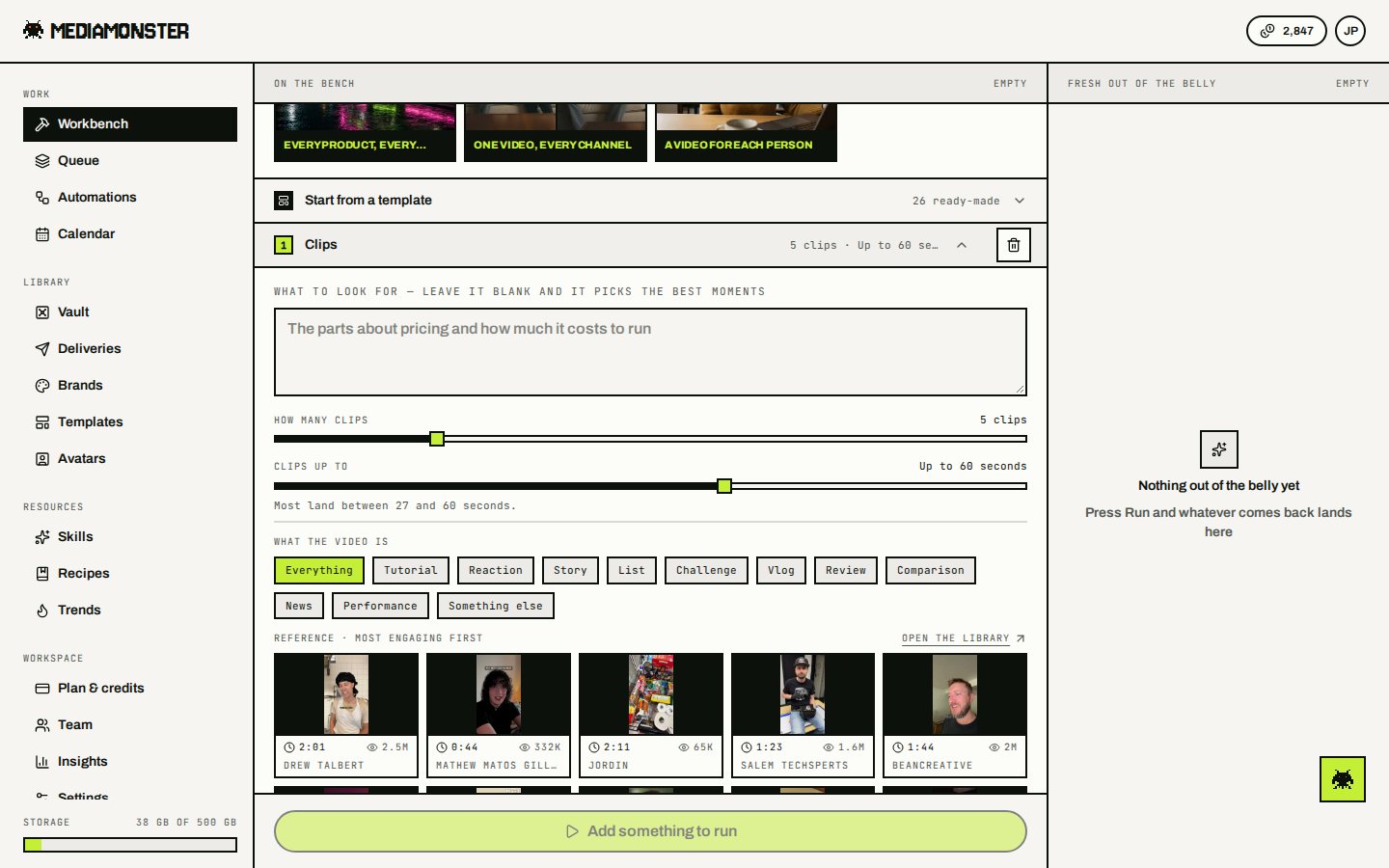
Clips. A long episode becomes a set of short cuts. Captions can sit under it and run on each clip.
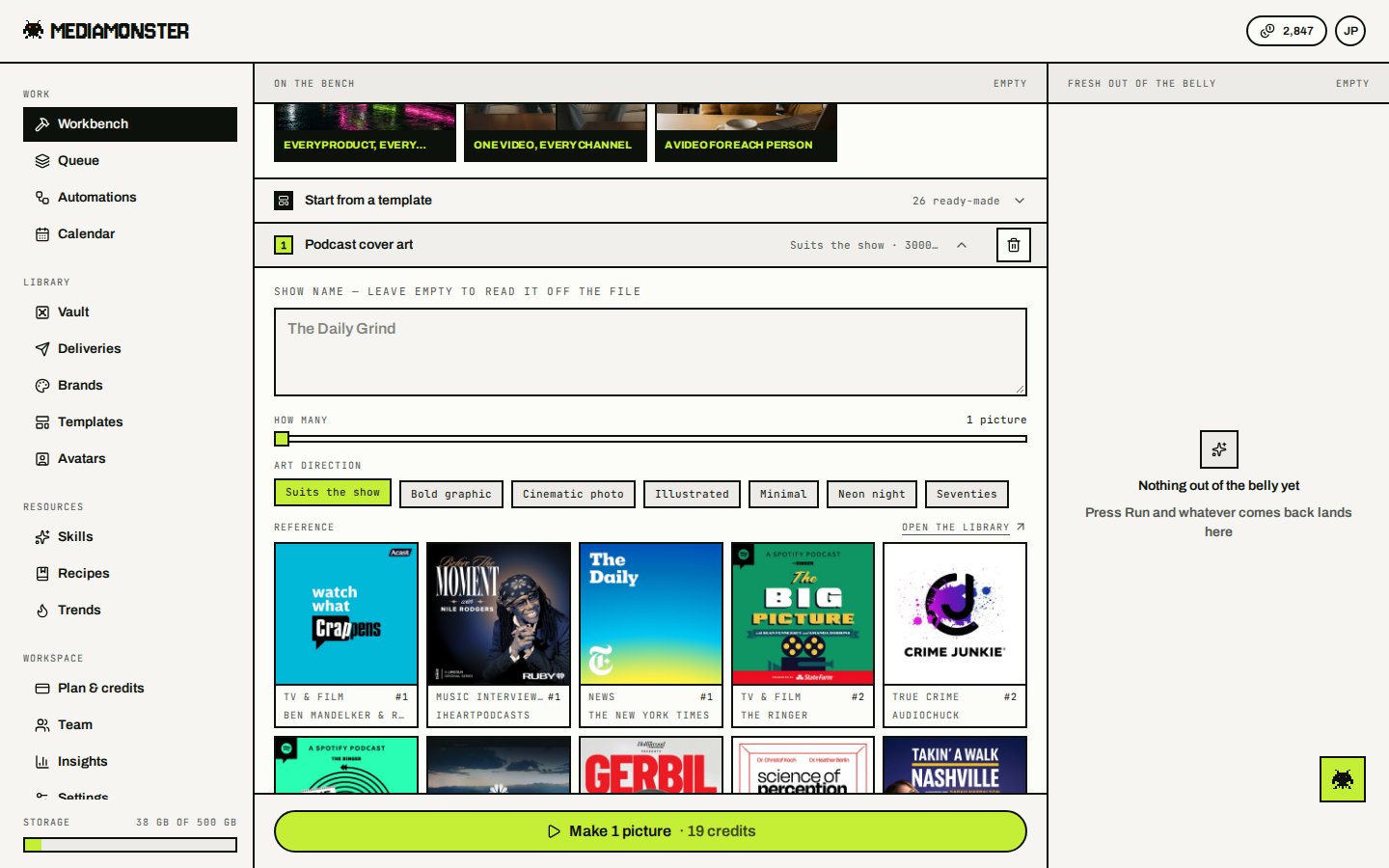
Podcast cover art. Drop an episode, a photo, a logo, or paste an Apple Podcasts, Spotify, or RSS link.
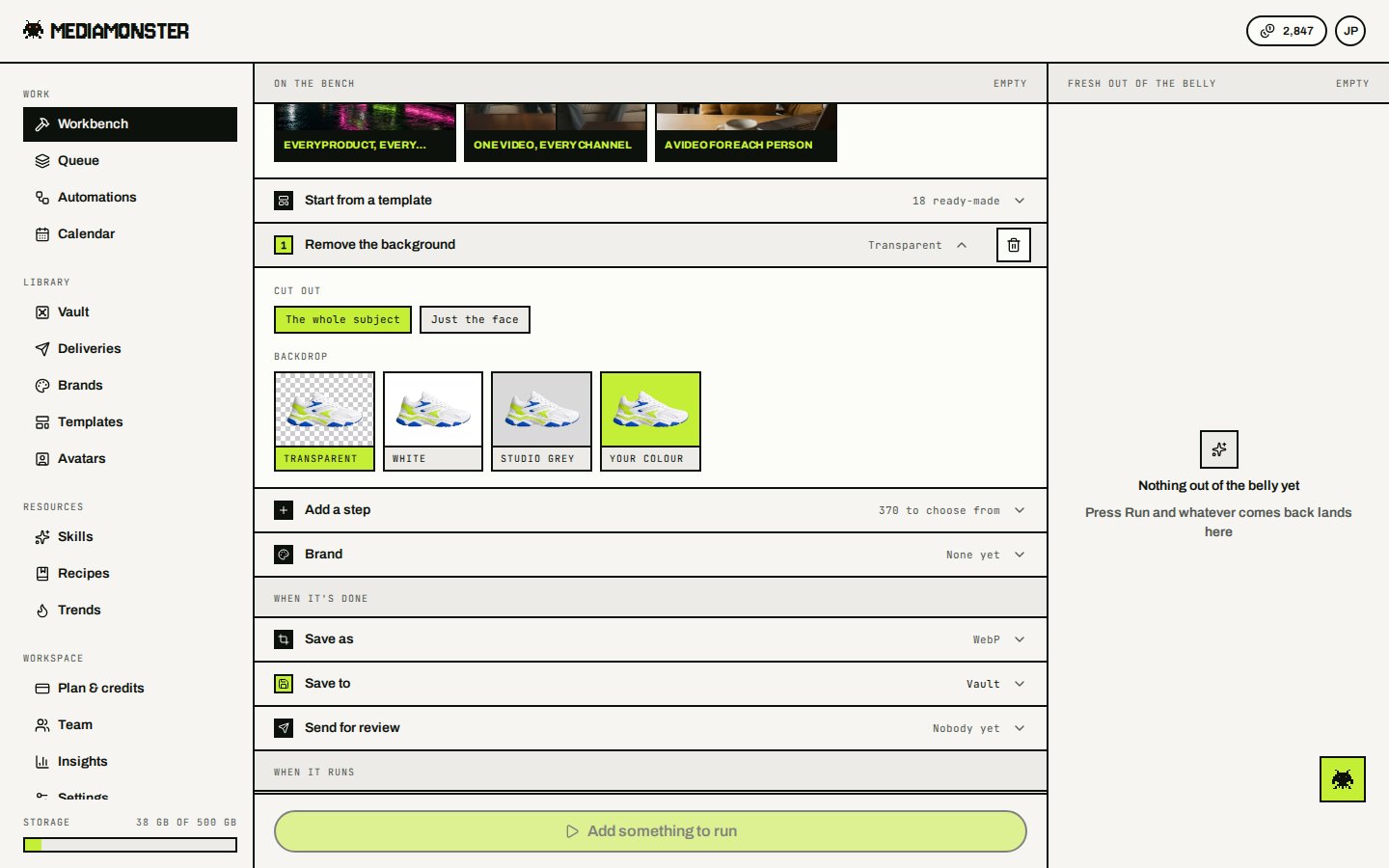
Background remover. Five credits per image.
Credit-priced skills
Per-minute rates round up to a whole minute, with a one-minute floor.Make
Clips, YouTube thumbnail, Video Multiplier, Graphic Multiplier, Video splitter, Cut it into tiles, Split a PDF, PDF to pictures, and Pull the pictures out make a set. Steps below run once on each file. Two sets on the same Workbench are refused.
Join into one, Merge PDFs, Pictures to PDF, and Lay them out as one stitch a set back into one file. Placed as the first step on the Workbench, they take the files you drop in as the set, in drop order — two or more, up to 200 for a join and 16 for Lay them out as one. Placed under a set-making step, they take that set. Placed lower down with no set above them, they take the files you drop in: every step above the join runs once on each file, up to 20 files, and the join puts the results together in drop order. The REST API and MCP still take one file per run, so a saved recipe that joins the files you drop in can’t be run through them.
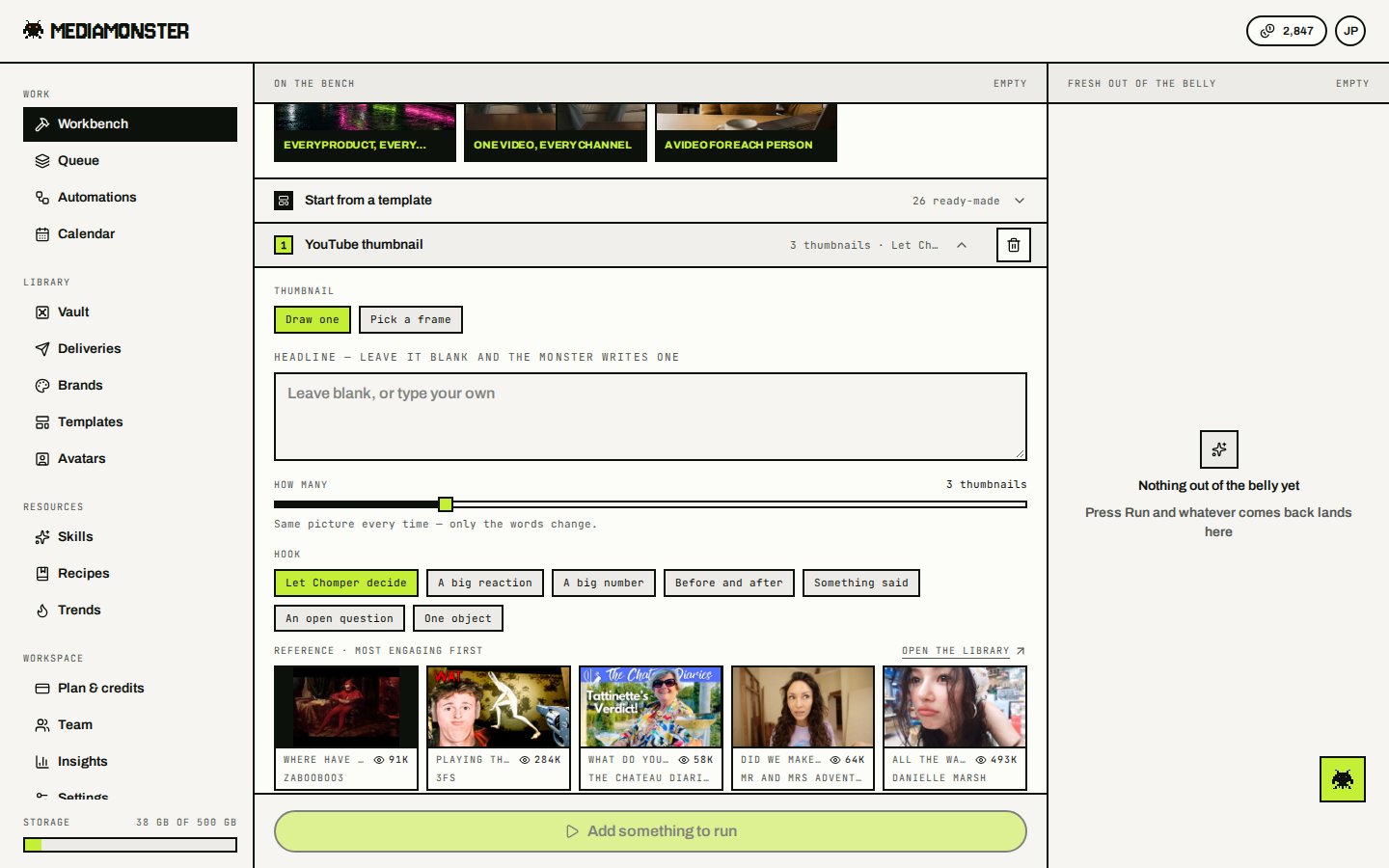
YouTube thumbnail writes a set of 1280×720 frames. Headlines come from what is said.
Fix
Change
Describe
Finish
Document skills — convert, merge, split, OCR, and the rest — live on Documents. Several of them cost 0 credits; see Free tools.
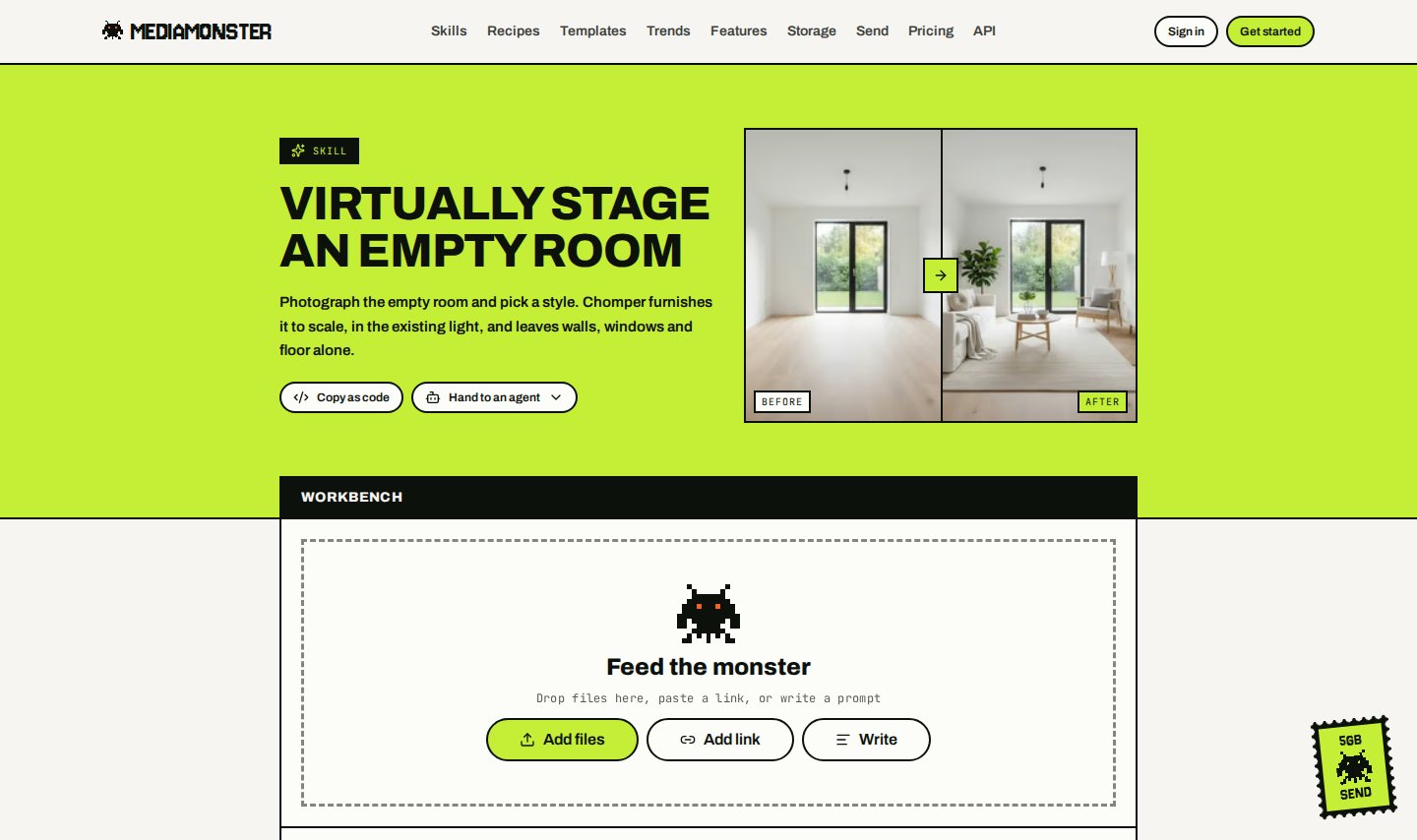
Virtual staging. Furniture in, architecture left alone. Listing rules treat the result as altered.
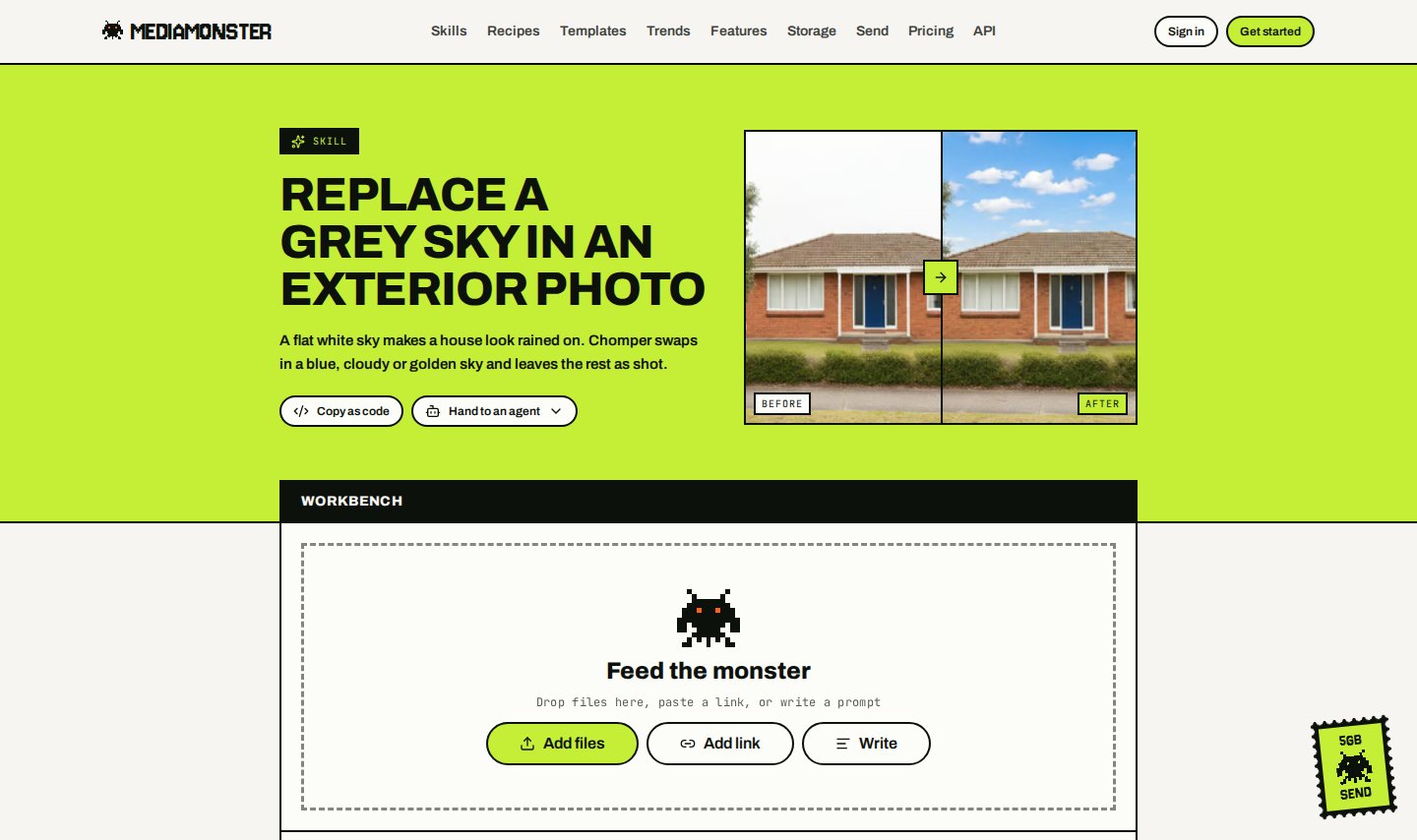
Sky replacement. The house, garden, and street stay put.
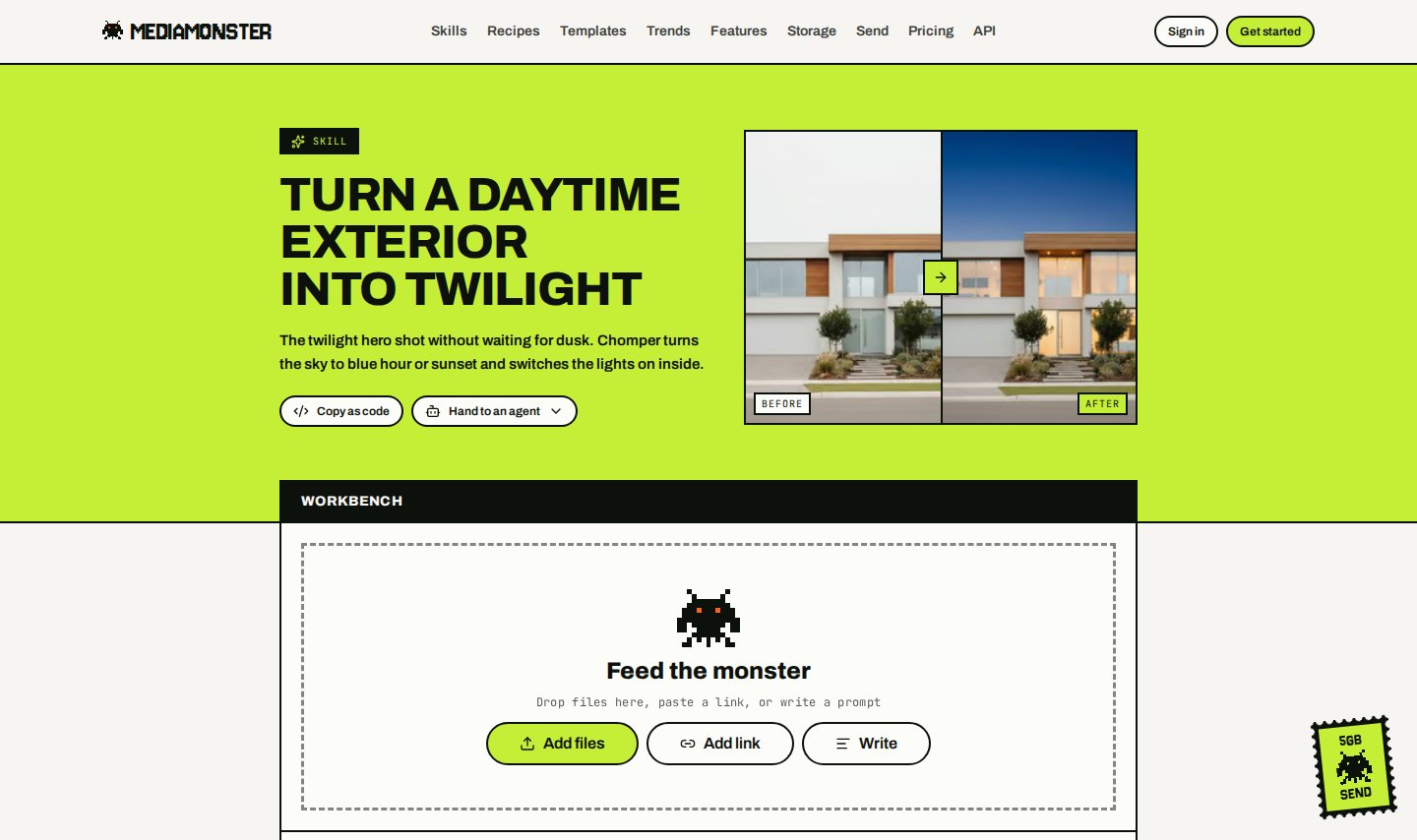
Day to dusk. Lights on, twilight sky, from the same noon photo.
API-only skills
These need a second image (reference_url or reference_job_id). They have no Workbench page.
See Run a skill.
Caveats worth reading on the skill page
A few skills contradict a promise the marketing line makes. Those caveats are shown on the tool page before you spend:- Poster — read the headline before you post it. Set type is still the thing a model gets wrong.
- Clips — moments are found in what is said, and only the strongest are watched too. A video with little said in it is watched instead, up to two hours.
- YouTube thumbnail — headlines are written from what is said.
- Clean audio — heavy room echo is the one thing this can’t undo.
- Smart reframe — follows faces. A product demo with nobody in frame is centre-cropped.
- Lip-sync — works best on one face looking at the camera.
- Virtual staging, Sky replacement, and Day to dusk — staged or twilight photos count as altered in most listing rules. Label them, and keep the original.
- Join into one — cuts straight from one clip to the next. No transitions yet.