

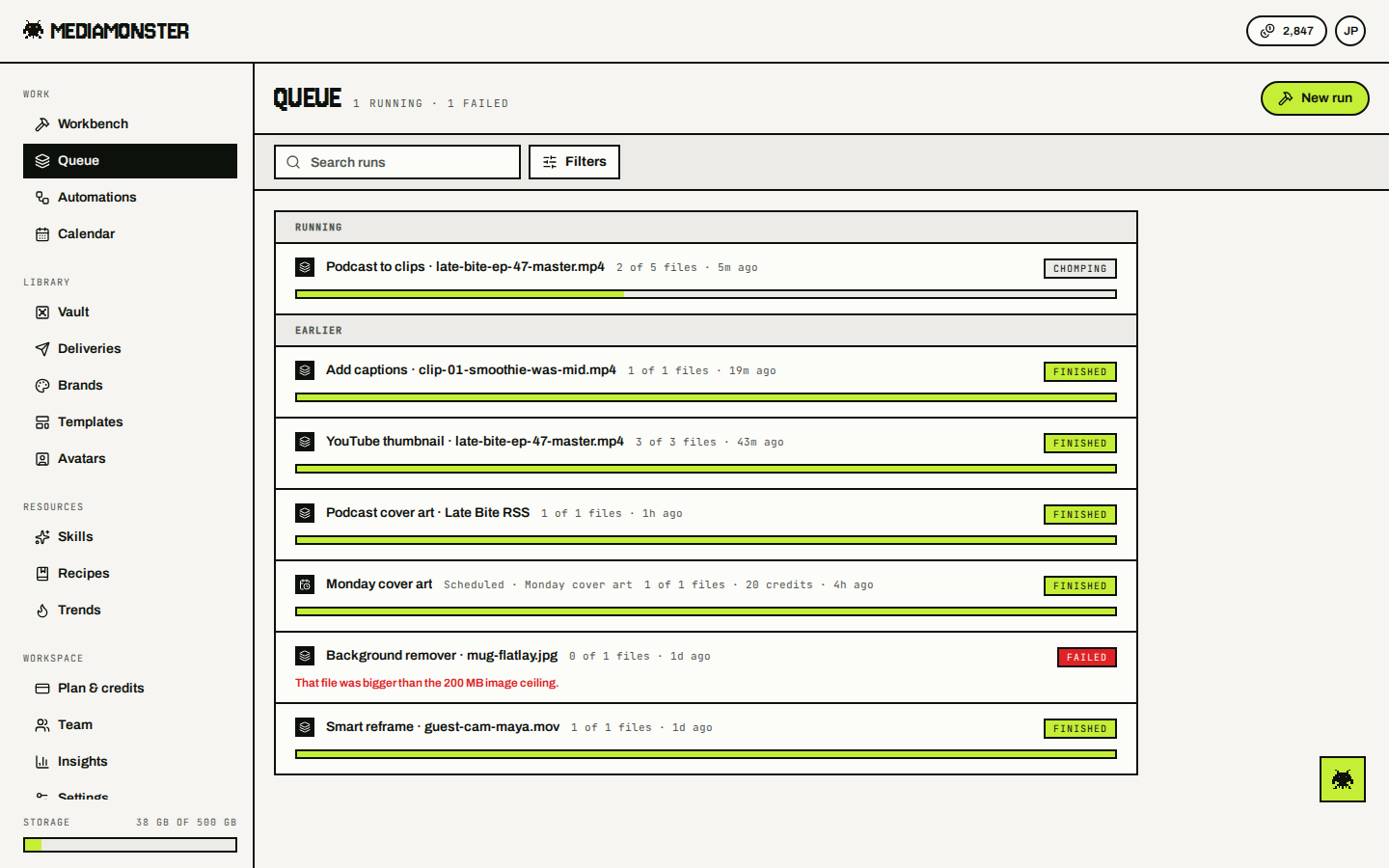
The Queue at mediamonster.app/queue is every run in the workspace you are working in — yours and your teammates’. Switch workspace and the Queue switches with it. Guests have no Queue. Running and queued jobs sit first. Then earlier ones. History keeps the last 100.
Queue page with a Chomping podcast-to-clips run, finished caption and thumbnail runs, and one Failed background remover

Queue: running first, then earlier. Open a row to put it back on the Workbench.

Statuses

The API returns queued, running, done, or failed. The Queue badge shows a friendlier label. Open a row to load it on the Workbench. A finished row says what the run cost — or free.

Runs an automation starts

Runs an automation starts are on the Queue too, in the name of the person who set it up. Their row says what started it and which automation: a clock and Scheduled · Morning voiceover for one on a schedule, a bolt and Triggered · New products for one started by its trigger. Filter by Started by to see only runs by hand, only scheduled ones, or only triggered ones. Search matches the automation’s name as well as the run’s. Server-side runs keep going if you close the tab. Browser-only runs don’t — those live in the tab that started them. Opening a finished run puts its steps back on the Workbench. Its files come back too when this browser kept them, or when the run was one file on our side — a batch opened in another browser lays out the steps and asks for the files again. A teammate’s run opens with its steps only. Its files stay with the teammate who ran it, so add your own.