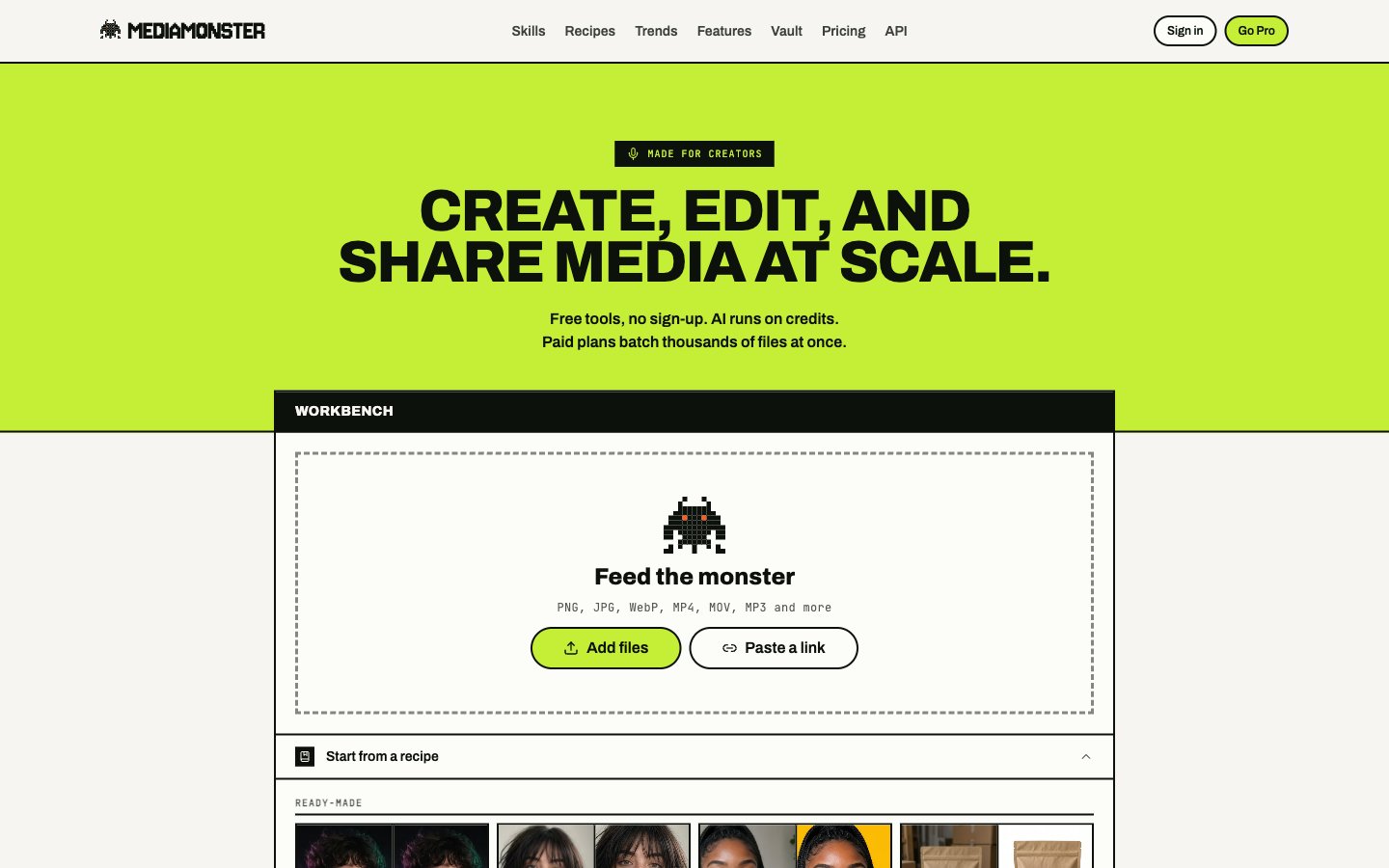
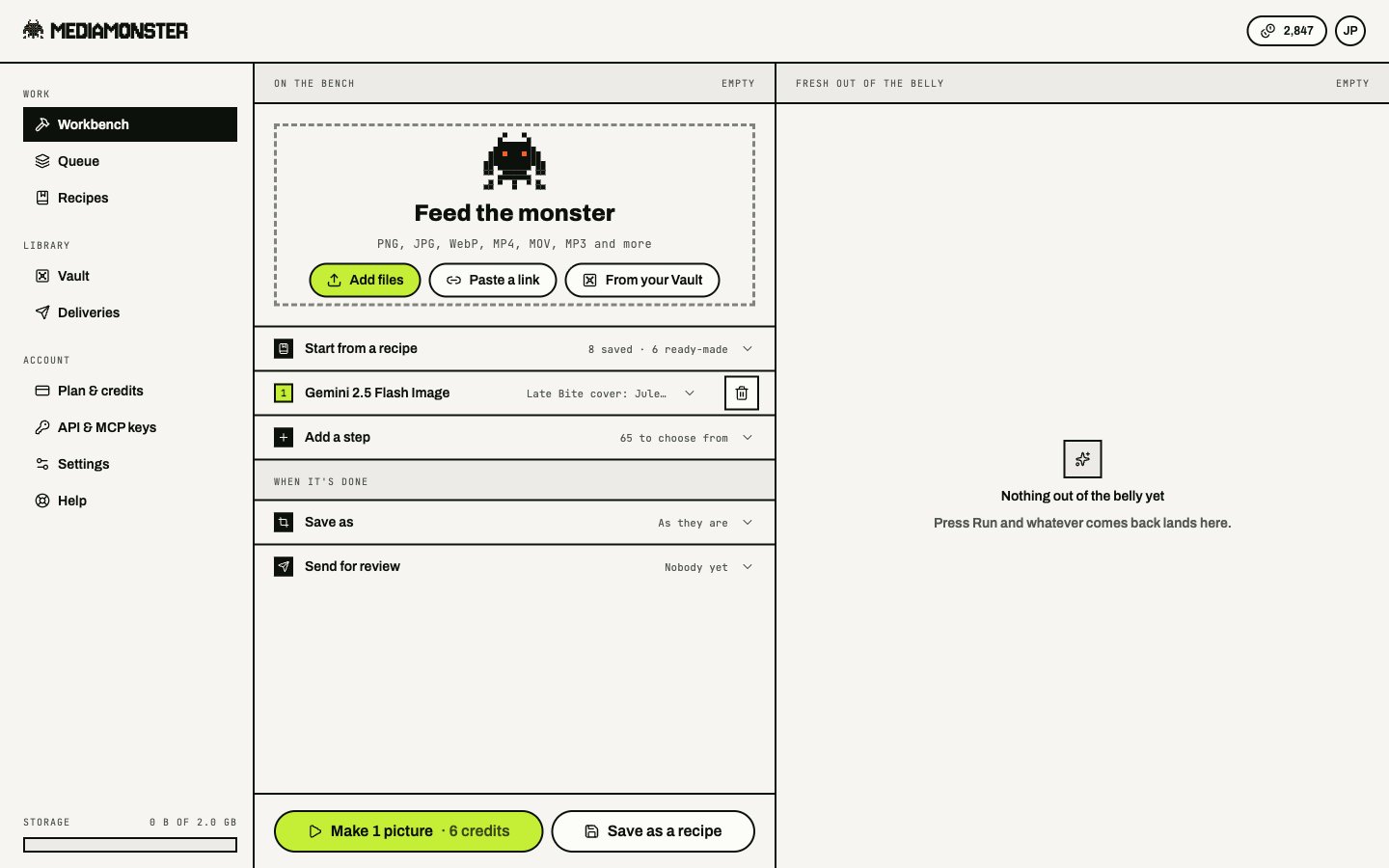
Convert an image with no account, then sign in and run your first Workbench line.
Three minutes to a first result. Images can convert in the browser with no account. Video convert and resize, AI skills, the Vault, and galleries need you signed in.
Resize it, crop it, or save it as PNG, JPEG, or WebP. Guests can send 3 files at a time. The guest upload ceiling is 100 MB.Video and audio convert or resize run on our side — sign in for those.
Email sign-up sends a 6-digit code that expires in 10 minutes. Onboarding asks your name, what you make, and a plan. Use cases are Social content, Online store, Video & film, and Building with the API. Pick Cyclops to go straight to the Workbench. Minotaur and Kraken send you to pricing. Behemoth is not on this screen — choose it later from Plan.
3
Run a line on the Workbench
The Workbench is the same dropzone, signed in. On a phone the tab is Bench.
Drop a file, paste a URL, or open something from the Vault.
Add a skill from the picker — start with a free tool or a cheap skill such as Background remover.
Press Run.
A generator step on the Workbench. Credits show on Run. Nothing spends until you press it.
Nothing spends credits until Run. See Workbench for how a line of steps works.
4
Keep the result
Download it from the result stage, or save it to the Vault. Turn on Save results to the Vault in Settings if you want that to happen automatically.To send a pack to a client, put Vault files in a gallery.