

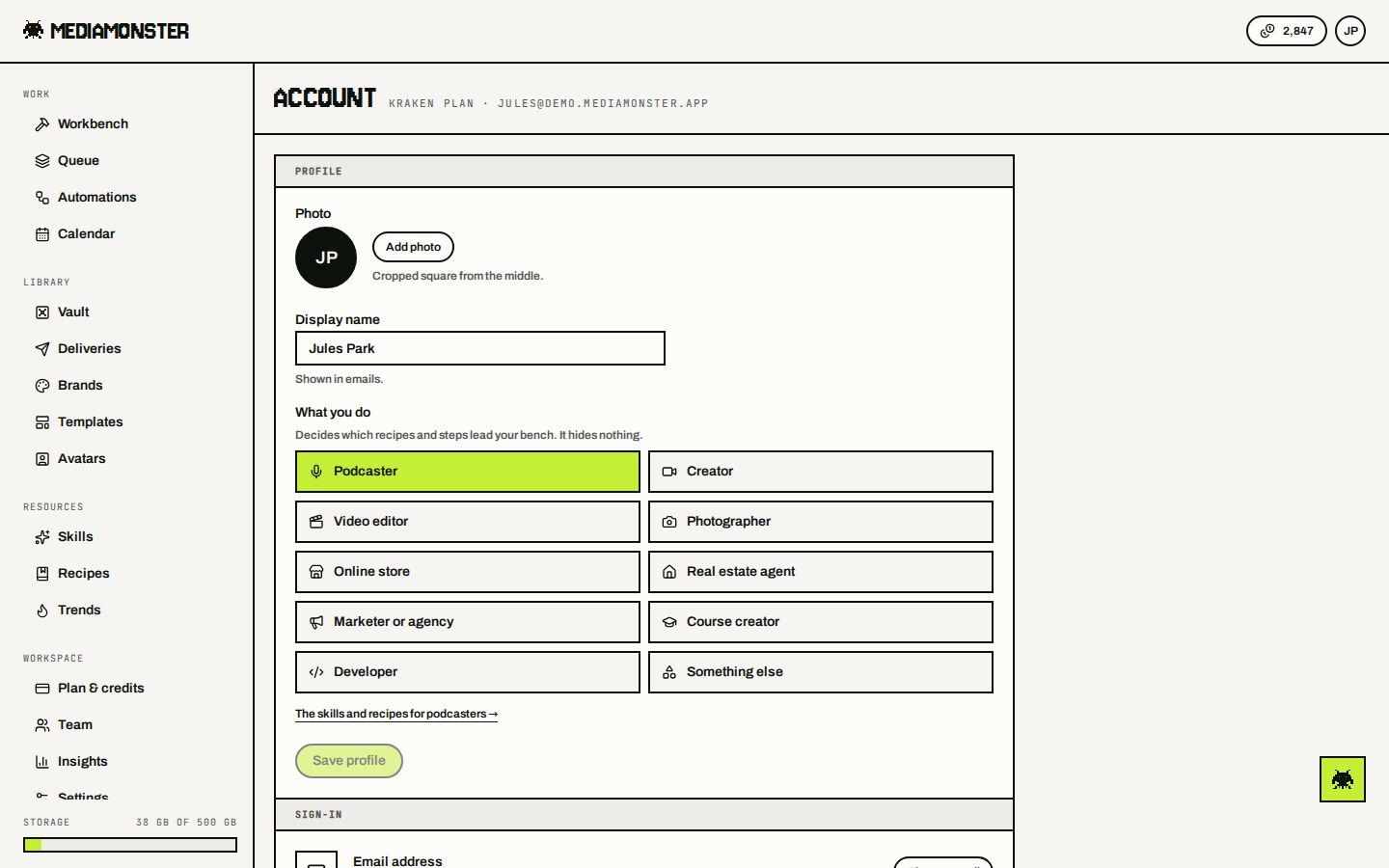
Your account settings live at mediamonster.app/settings. Account sits in the You group on the rail, beside API & MCP keys and Help. Plan, Team and the workspace’s own Settings live in the Workspace group above it, because they belong to whichever workspace you are in — not to you. See Workspace settings.
Account with Profile, Workbench Save results to the Vault switch, Notifications, and Danger zone

Account. Sits under You on the rail, beside API & MCP keys and Help.

Profile

Name, email, and password. Email sign-up requires 8 characters. You can also sign in with Google, Discord, or X, or with a 6-digit code emailed to you — the way back into an account made by a send or a run pass, which has no password until you set one here. Language follows the account. The picker writes an mm-lang cookie that the server uses to render the first byte of HTML. Automatic clears the cookie and hands the choice back to the browser and region. The UI ships in 33 locales.

Workbench

Save results to the Vault stores Workbench outputs without an extra click. See Vault.

Tab bar

The bar along the bottom of the screen on a phone. Pick up to four places and put them in order. Menu always sits at the end. See On a phone.

API keys

Let API keys publish CDN links decides whether apps holding one of your keys, such as the WordPress plugin, may turn a file’s CDN link on. See Integrations.

Notifications

Choose which email you want. Transactional mail comes from notifications@mail.mediamonster.app. Reply to support@mediamonster.app. Four switches:
  • When a file is done — a job or a run finishing, or failing.
  • News about a delivery — comments, grouped rather than one each, and a warning before a delivery link stops opening.
  • Product news — new skills and formats, monthly at most.
  • Offer reminders — one note before an offer you have unlocked runs out.
Everything else sends whatever the switches say, because it isn’t a preference: codes and security notices (password, email address, API keys, devices signed out, account deleted), billing (receipts, plan changes, failed payments, auto top-up, credits taken back after a refund), workspace changes made to your seat, and the notice before files leave your Vault.

Activity

Account activity opens a full audit trail at mediamonster.app/settings/activity. Every sign-in, password change, email change, plan change, credit purchase, API key, share link, Vault operation, and support message on the account is written to it, newest first, with the device and IP the request came from. Filter by category: sign-in and security, profile and settings, plan and billing, workspace and people, API keys and webhooks, Vault, Deliveries, support, or staff. Sensitive rows — password changes, email changes, key creation, workspace deletions, member removals, and staff views — are marked in orange. Workspace actions you take — making a workspace, renaming it, inviting or removing people, changing a role, joining, leaving, or deleting one — land on your trail here with the workspace on the row. Owners and admins also see everyone’s workspace actions together on the workspace activity page. If a row isn’t you, change your password on this page. A password reset signs every other device out. Mediamonster staff can open your account for support. When they do, a Viewed by staff row lands on the trail. Filter by Staff to see only those.

Danger zone

Delete the account from here. Vault files, galleries, keys, and recipes go with it.