

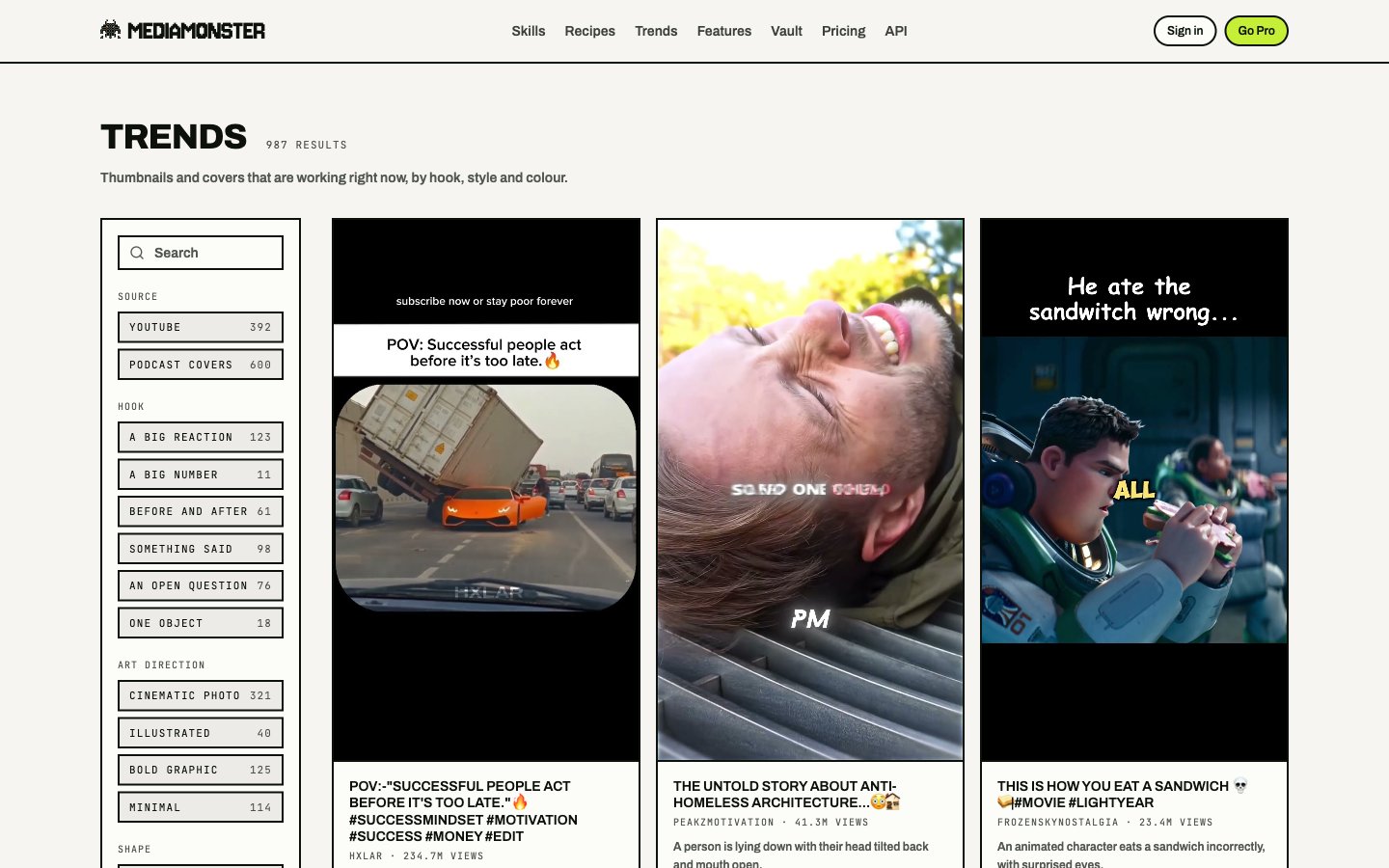
Trends: search, filters, and a grid of live thumbnails
Open a reference on the Workbench
Pick a card, then send it to the Workbench as a reference for a skill — typically YouTube thumbnail or Clips. The bench URL carries?trend= (the row) and &use= (which skill). The row is read on arrival, so a shared link lays out what that piece of creative is now.
Filters
Filters live in the URL. A filtered view is a link you can send.
Shape pages at
/trends/<shape> explain what a hook is. The /trends grid is the tool.