

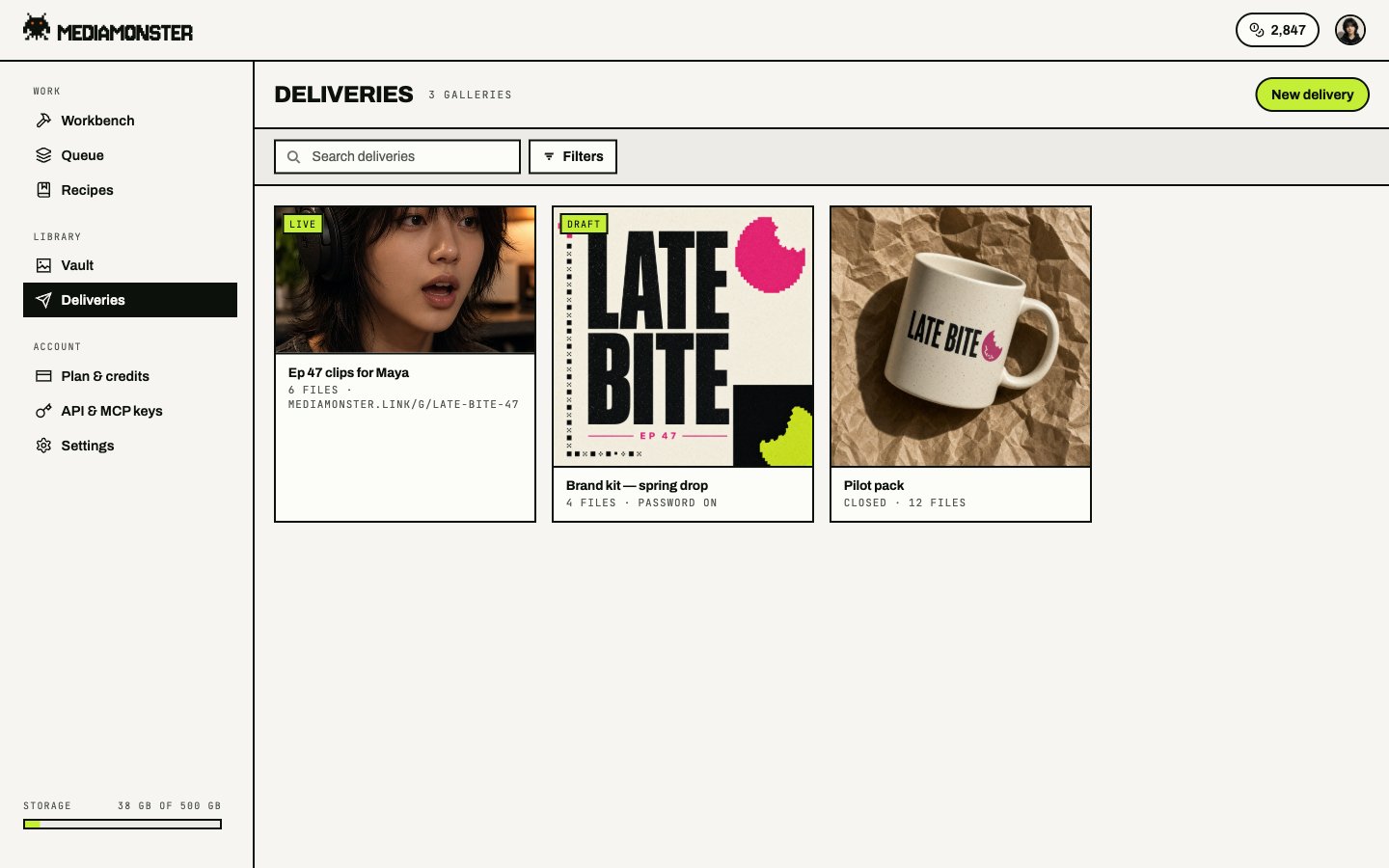
Deliveries on the desktop rail. On a phone this slot is Sends.
Create a delivery
- Open Sends and create a gallery.
- Add files from the Vault.
- Set recipients, a password, an expiry, downloads, favourites, comments, and whether a name is required.
- Publish it.
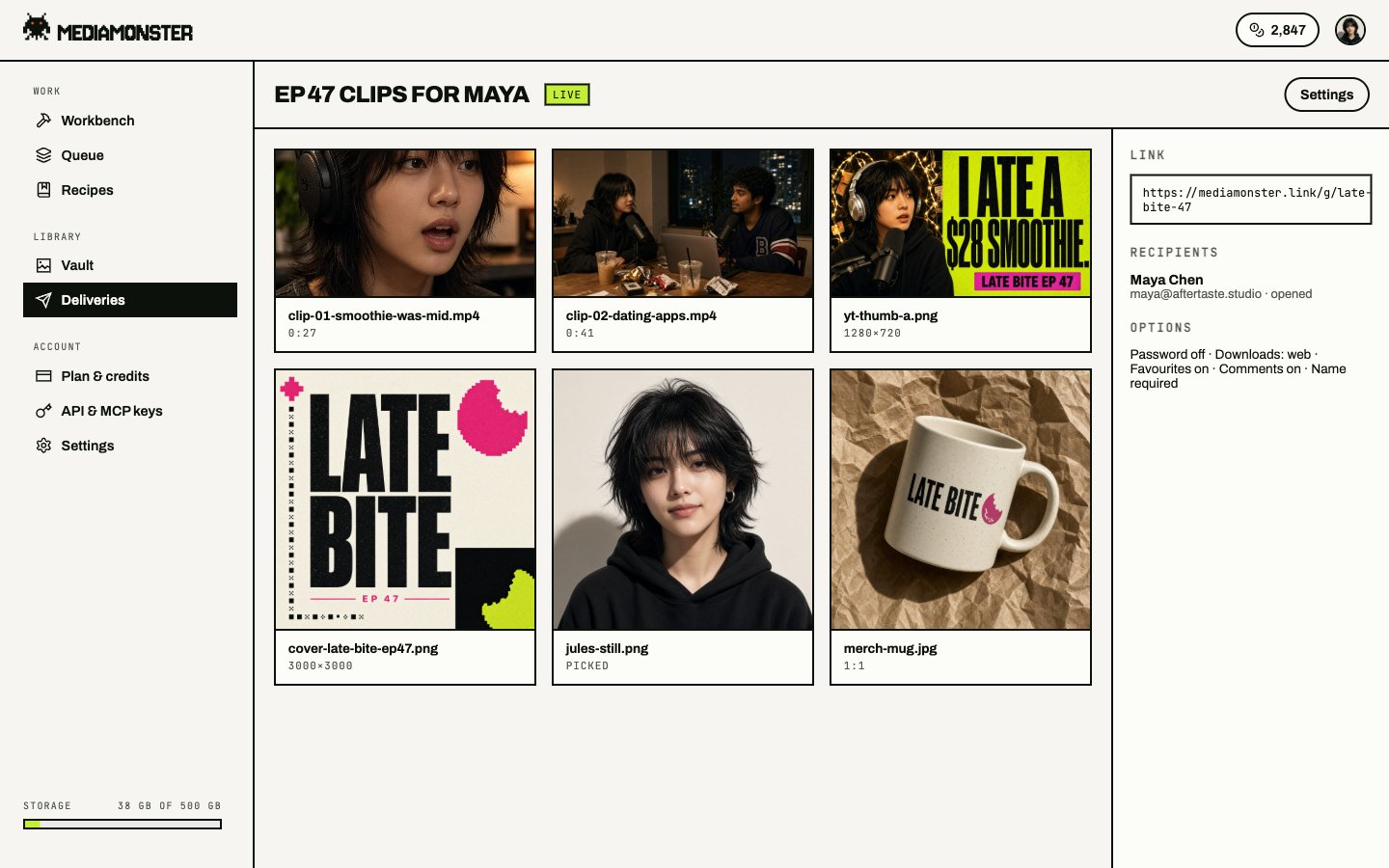
A live delivery. The public URL is on mediamonster.link. Recipients, password, downloads, favourites, and comments sit in the side column.
States
The public review URL is
https://mediamonster.link/g/<slug>. If the gallery has a password, the ticket lives in sessionStorage and dies with the tab.
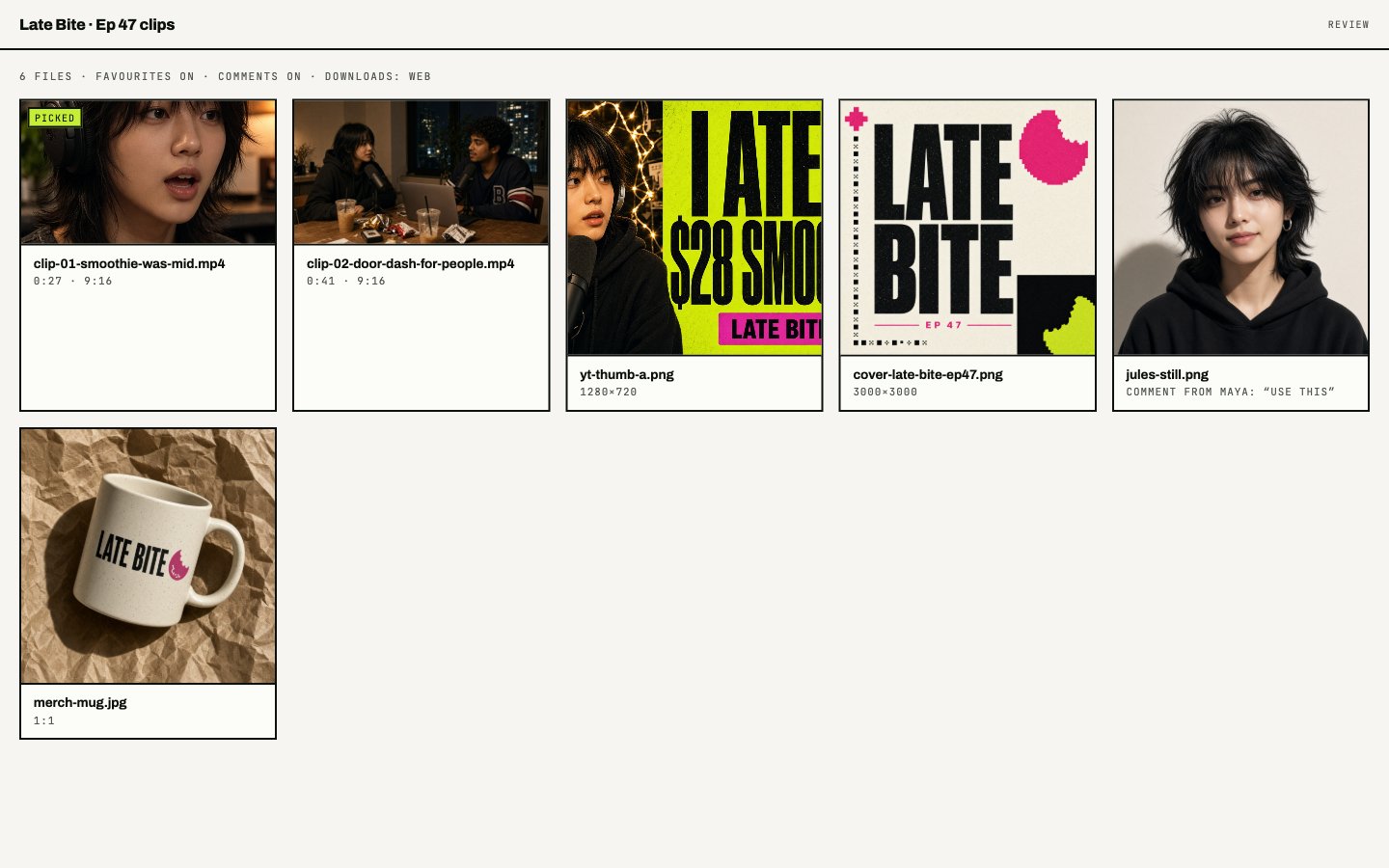
What the client sees. Favourites and comments are switches you set before you send the link.
Plan limits
Unbranded means the client-facing page can drop the Mediamonster line. That is Kraken and Behemoth only.
From the API
GET /api/v1/galleries lists yours, with public URLs. POST /api/v1/galleries creates one, optionally with asset_ids. See Assets and galleries.